SlideSpeak is an AI presentation maker with a particular strength: turning something you already have — a report, a PDF, a set of notes, even an old PowerPoint — into a new, editable PowerPoint deck. You can also start from a plain topic or a block of text, but the thing that sets it apart is that it will read a whole document and build a presentation from it rather than asking you to summarise the source first. It runs as a web app, and the deck it produces can be downloaded as a native, editable .pptx file.
The other distinctive part is an AI assistant it calls Charles. As well as generating the slides, images and infographics, Charles lets you chat with your uploaded document — asking questions about it and shaping the deck through conversation. SlideSpeak also turns a deck into a narrated video, translates presentations into other languages, and offers a public API for developers who want presentation generation inside their own products. So while its core job is documents-to-PowerPoint, it carries a fuller set of features around that than most single-purpose generators.
It sits among the AI presentation makers and the AI PowerPoint tools, and its document-to-deck workflow also makes it a genuine AI slide generator.
Where it stands out
It reads whole documents, not just short prompts. You can hand it a Word file, a PDF, a spreadsheet, a web page or an existing PowerPoint, and it reads the entire thing rather than making you condense it first. For anyone turning a report, a piece of research or a set of lecture notes into a deck, that removes the most tedious step.
It produces a native, editable PowerPoint. The download is a real .pptx you can keep editing in PowerPoint — not a flattened picture of a deck. That is the practical difference between SlideSpeak and the makers whose "PowerPoint export" arrives as static images or loses its formatting on the way out.
Charles, and the toolkit around it. Beyond generating slides, the assistant creates images and infographics and lets you chat with your source document. SlideSpeak also generates narrated video versions of a deck and translates presentations into more than 150 languages, and it exposes a developer API — a wider toolkit than a plain text-to-slides generator.
PowerPoint and Google Slides: what's native, what's export
It is worth being precise here. SlideSpeak's PowerPoint support is a native, editable .pptx export, which is genuinely useful — but it is an export, not an add-in. You build the deck in SlideSpeak's web app and download the file; you are not working with AI inside PowerPoint the way you would with Microsoft Copilot or Plus AI. Google Slides works the same way: SlideSpeak can export a deck to Google Slides, again from the web app rather than as a native Slides add-on. In both cases you get a file to take into those tools, not a tool that lives inside them. If you're weighing the different routes, our guide on whether AI can create a PowerPoint presentation explains them.
Free vs paid
SlideSpeak has a genuine free plan, but there is one restriction that matters more than any other: you cannot export on it. The free Starter plan gives you 100 credits when you sign up — enough for roughly three presentations — and lets you draft, edit and chat with your document using Charles. What it does not let you do is download the result. Exporting to PowerPoint, PDF or Google Slides requires a paid plan. So the free tier is a real way to see whether the drafts suit you, but the finished file you are probably here for is behind payment.
Paid pricing is subscription-based. Premium is $29/month (around $24.65/month if billed annually) and unlocks export to PowerPoint, PDF and Google Slides, along with 50 generation credits a month, AI video, custom deck length and no file-size limit. Premium Plus is $34/month and adds unlimited generations under fair use, branded presentations and a custom brand-image library. There is a limited lifetime Premium Plus offer at $359, an Enterprise plan with SSO and organisation features, a $129 add-on to upload your own PowerPoint template, and a separate API plan for developers. Verified students get 25% off. Generation is metered by credits, which refresh each billing cycle and can be topped up, so heavy users should check the allowance against how much they actually generate. Confirm the current figures on SlideSpeak's own pricing page before buying.
Who it's best for
People whose starting point is an existing document. If your job is turning reports, research, PDFs, lecture notes or an old deck into a fresh, editable PowerPoint, SlideSpeak is built around exactly that, and the whole-file reading and document chat suit dense source material. It also makes sense for anyone who specifically needs a downloadable .pptx — client work, coursework, anything that has to be handed over as a file rather than shared as a web link — and for multilingual teams that need the same deck in several languages. Developers who want to generate presentations programmatically are served by the API.
Where it may not be the best fit
If you need finished output for free, the export restriction rules it out — the free plan cannot give you the file. If you would rather generate and edit inside PowerPoint or Google Slides themselves, an add-in like Plus AI or Microsoft Copilot is a better fit than exporting from a separate app. If you generate heavily, keep an eye on the credit meter. And if your priority is a distinctive, design-led look or fine manual control over layout, SlideSpeak produces clean but fairly standard decks — a tool like Gamma leans further into design.
Alternatives to consider
- Gamma — faster and more design-led, with a genuine free plan, but its PowerPoint export flattens the design, so the .pptx is less cleanly editable than SlideSpeak's.
- Presentations.AI — another standalone prompt-to-deck maker with a free plan; also credit-metered, and stronger on live-data dashboards than on document-to-deck.
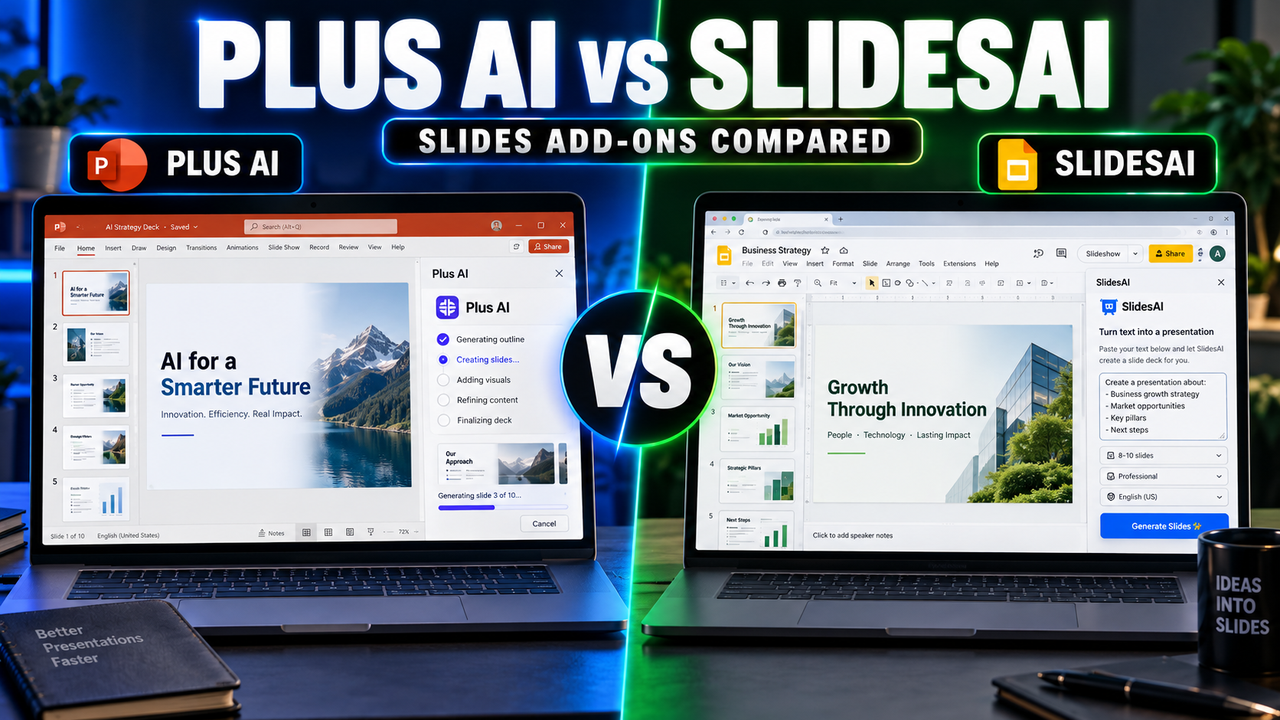
- Plus AI — choose it if you'd rather generate and edit inside PowerPoint or Google Slides directly instead of exporting a file from a separate app.
- NotebookLM — free, and excellent for understanding a set of documents first; its slide output is image-based, so use it to research and then build the editable deck elsewhere.
Pricing, plans and features change — confirm the current details on SlideSpeak's own site before you buy.