

How to Choose an AI Presentation Tool
There are more AI presentation tools than anyone needs, they all promise the same things, and their marketing is nearly interchangeable. The good news is that choosing the right one comes down to just five questions about you — not about the tools. Answer them honestly and the field of a dozen collapses to one or two obvious candidates. This guide walks through those questions, flags the traps that catch buyers out, and gives clear picks for each situation.
If you would rather start further back, our companion piece asks whether you need an AI presentation tool at all. Assuming you have decided you do, here is how to pick.
The five questions that actually decide it
1. Where does your deck need to end up?
Start by thinking about what you need to do with the finished presentation. This can quickly narrow down which tools will work for you.
- Will you present it on screen or share it as a link? You have plenty of options. A web-based tool like Gamma works particularly well for this.
- Do you need an editable PowerPoint file? Check the export options before choosing a tool. Some, including Canva and Beautiful.ai, can export editable PowerPoint files. Others, such as Prezi and NotebookLM, may export slides in a format that gives you less editing control. Gamma can export to PowerPoint, but the presentation may not look exactly the same after export.
- Do you want to work directly in PowerPoint or Google Slides? Look at tools such as Plus AI, SlidesAI, or Microsoft Copilot, which let you use AI within the presentation software itself.
Knowing what you need at the end makes choosing the right AI presentation tool much easier.
2. Are you a solo user or a team?
- Solo: You want speed, a good free plan, and low commitment. Gamma, Canva or a cheap add-in fit.
- A team: You need real-time collaboration, brand controls that keep everyone consistent, and admin features. Beautiful.ai, Pitch and Canva are built for this; a solo-focused tool will frustrate a team. See our guide to AI presentation tools for teams.
3. Do you need to create new decks, or improve existing ones?
Almost every tool can generate a new deck from a prompt. Very few can take a deck you already have and edit it with AI. If your real job is maintaining and updating decks — keeping a sales pitch current, refreshing client decks — you want Plus AI or Microsoft Copilot, which edit inside your existing files. Generating from scratch is a different task from improving what exists, and buying the wrong type is a common, expensive mistake.
4. How much do design and brand control matter?
- "It just needs to look clean": Beautiful.ai's automatic design or Canva's templates get you there with no effort.
- "It needs to be strictly on-brand across many people": You need a proper brand kit and governance — Beautiful.ai (Team), Pitch, or Canva Business.
- "It needs to look distinctive, not like everyone's corporate template": Gamma's modern, web-native style stands apart.
- "I don't care, I just need slides": A cheap add-in like SlidesAI is plenty.
5. What is your budget, and do you want to try before paying?
- Zero budget: Stick to genuine free plans — Canva, Gamma, SlidesAI. See our free AI presentation tools guide.
- Willing to pay, want to test first: Prefer tools with a real free plan over trial-only ones (Beautiful.ai and Plus AI are trial-only, card required).
- Already paying for something: If you have Microsoft 365, you may already own Copilot. If you use Canva, you already have Magic Studio AI. Do not buy a fourth tool without checking.
The traps that catch buyers out
The "free plan" that is a trial. Several tools headline a free plan that is actually a 7- or 14-day trial demanding a card. Beautiful.ai, Plus AI and Decktopus fall here. Know the difference before you invest time.
The watermark surprise. Gamma and Decktopus watermark free output. You often discover this at export time, after you have built the deck — check first.
The lossy or image-only export. This is the big one. Prezi's PowerPoint export is static frames, not editable slides; NotebookLM's is flat images; Gamma's flattens its reflowable design. If you need to edit the file afterwards, these will not do — and the marketing rarely says so.
The credit ceiling. Most AI generation is metered by credits or per-year quotas. A plan that looks generous can run dry mid-project if you generate heavily. Match the credit allowance to how much you will actually generate.
The currency and price drift. Prices in this category change often, and some tools (like Pitch) bill in euros. Always confirm the current figure on the vendor's own pricing page rather than trusting any comparison — including this one.
Match yourself to a tool
Putting the five questions together, here is where most people land:
| Your situation | Best pick | Why |
|---|---|---|
| Fast drafts, present on screen, want free | Gamma | Speed, free plan, distinctive design |
| One easy tool for everything, free | Canva | Generous free tier, editable PPTX, does more than decks |
| Team needs on-brand consistency | Beautiful.ai | Automatic design + governance |
| Sales team that sends and tracks decks | Pitch | Collaboration + engagement analytics |
| Must stay in PowerPoint / Google Slides | Plus AI | Native, editable, edits existing decks |
| Already pay for Microsoft 365 | Microsoft Copilot | AI inside PowerPoint, no new tool |
| Cheapest text-to-slides | SlidesAI | Free plan, low price, simple |
| Live teaching, memorable talks | Prezi | Zooming, non-linear presenting |
| Turning research into an overview | NotebookLM | Source-grounded, free, multi-format |
Two worked scenarios
The five questions are easier to see in action. Here are two common situations and how they resolve.
A freelance consultant who sends proposal decks to clients. Question 1: the client often wants a file, sometimes just a link — so an editable output matters. Question 2: solo. Question 3: mostly new decks, occasionally reworking an old one. Question 4: needs to look professional and ideally a bit distinctive. Question 5: happy to pay a modest amount. The answers point cleanly at Gamma for speed if links are usually fine, or Canva if an editable file is the norm — and if the consultant finds they are constantly updating the same few decks, Plus AI's editing moves up the list. No governance, no enterprise features; a $10–15 tool does it.
A ten-person sales team. Question 1: decks are sent to prospects, so a trackable link is valuable and a file sometimes needed. Question 2: firmly a team. Question 3: heavy reuse — the pitch is updated constantly. Question 4: strict brand consistency across ten people. Question 5: a real budget. Here the answer is Pitch (for collaboration and the engagement analytics that suit a sales process) or Beautiful.ai (if automatic brand consistency outranks analytics). The solo-friendly tools would frustrate this team within a week.
Notice that in both cases the tool fell out of the answers, not out of a feature comparison. That is the whole method.
One tool, or several?
A question that surprises people: you do not have to pick just one. Because several of these tools have genuine free plans, keeping two for different jobs is common and costs nothing. A freelancer might draft distinctive decks in Gamma but keep Canva for the times a client needs an editable file; a student might understand readings in NotebookLM and build the submittable deck in SlidesAI. The tools are cheap enough, and switching between them within a single project easy enough, that "which one tool should I standardise on" is often the wrong question for an individual. It is the right question for a team — where a shared tool, brand kit and workflow genuinely matter, and where two overlapping subscriptions multiply across seats. So: individuals, feel free to mix free plans by task; teams, pick one and commit, for the consistency and the cost. Knowing which of those two situations you are in prevents both the solo user's over-thinking and the team's expensive sprawl.
Do not be fooled by the demo
One warning worth its own heading: every one of these tools looks magical in its own marketing demo, because the demo is built to show the tool at its best on content it handles well. That tells you almost nothing about how it will handle your content, your brand, and your finish line. A tool that generates a gorgeous demo deck about a coffee shop may struggle with your dense technical material or your strict template. The demo sells the dream; your own test reveals the reality. Never buy on the strength of a vendor demo alone — always run the tool on your own real deck first.
A sensible way to actually decide
You do not need to test all of these. A practical process:
- Answer question 1 (your finish line). This eliminates most options in thirty seconds.
- Answer question 2 (solo or team). This narrows the survivors to two or three.
- Try the free plans among them on one real deck — the deck you actually need to make, not a toy example. A tool's output on your genuine content tells you more than any review.
- Only pay once one has clearly saved you time on that real task.
This costs you an afternoon and nothing in money, and it beats reading twenty comparison articles — because the right tool depends on your taste and your workflow, which only you can test.
The honest bottom line
The best AI presentation tool is not the one with the most features or the biggest user-count claim. It is the one whose finish line matches yours, that fits solo or team use, and that you have actually tried on your own work. For most individuals that is Gamma or Canva; for most teams it is Beautiful.ai, Pitch or Canva; and for anyone tied to PowerPoint or Google Slides it is an add-in. Start with the free plans, match the tool to your real answers above, and ignore the marketing — including the parts of it that sound like this article. Test it yourself; that is the only review that counts.
Frequently asked questions
What is the most important factor when choosing an AI presentation tool? Where your deck needs to end up. If it must be an editable PowerPoint file, that single requirement rules out several popular tools whose export is lossy or image-based. Decide your finish line before comparing features.
Which AI presentation tool is best for beginners? Canva or Gamma. Both have genuine free plans, produce good-looking decks with little effort, and are easy to learn. Canva is best if you want editable PowerPoint out; Gamma is best for speed and on-screen sharing.
Should I choose a standalone tool or an add-in? An add-in (Plus AI, SlidesAI, Copilot) if you must deliver in PowerPoint or Google Slides and want to avoid export problems. A standalone maker (Gamma, Canva, Beautiful.ai) if you want distinctive design or an all-in-one experience and are happy to export.
How much should I expect to pay? Entry paid plans cluster around $10–$20 per user per month. Several tools have free plans that cover light use. Team and brand features cost more, and heavy AI generation can push you into higher credit tiers.
Can I switch tools later if I choose wrong? Yes, but expect to rebuild rather than migrate — decks do not move cleanly between tools. This is why testing free plans on a real deck first, before committing, is worth the afternoon it takes.
Which tool has the best AI generation quality? There is no single winner; quality is close across the leaders and depends on your content and taste. Gamma and Presentations.AI are fast and fluent; Beautiful.ai keeps output strictly on-design; Copilot grounds decks in your real files. Test the shortlist on the same prompt to judge for yourself.
Should I trust a tool's user-count or "most popular" claims? Treat them as marketing, not evidence. Vendor user numbers are self-reported and rarely verified, and "most popular" is easy to assert. Independent review counts (like a G2 rating from thousands of reviews) are more reliable signals, but even they are no substitute for testing the tool on your own work.
Is a more expensive tool better? Not inherently. Price reflects target market — team and enterprise features cost more, but they are wasted on a solo user. The best tool for you is the cheapest one that clears your five questions, not the most expensive one on the list.
Pricing, plans and features change often — always confirm the current details on each vendor's own site before you buy.
Listings related to How to Choose an AI Presentation Tool
Decktopus
A guided, opinionated AI deck builder for non-designers that generates the slides plus delivery extras — speaker notes, audience Q&A, lead-capture forms, voiceover and hosting. Cheap entry point; no true free plan.

Gamma
An AI presentation maker that turns a prompt or a pasted document into a finished-looking deck in about a minute. A standalone web app — great free plan for on-screen decks, but clean PowerPoint export and branding are paid.
Microsoft Copilot for PowerPoint
Microsoft's AI built directly into PowerPoint — builds decks from a prompt, a Word doc or a PDF, all as native editable .pptx. Unmatched integration with your real files; no free tier, requires a paid Microsoft 365 + Copilot licence.
SlideSpeak
SlideSpeak is a standalone AI presentation maker that turns documents, PDFs, existing slides or a plain topic into a native, editable PowerPoint deck, with an AI assistant you can chat to about your source file
genially
No-code platform for interactive presentations, infographics and e-learning content, with AI helpers for images, quizzes, narration and translation.
SlidesGPT
AI slide generator — the #1-rated PowerPoint maker in the ChatGPT store; turns text, articles or PDFs into decks with PowerPoint, Google Slides and PDF export.
PopAi
All-in-one AI workspace (16M+ users) whose AI Presentation Maker turns a topic, PDF, Word file or webpage into an editable deck with PowerPoint and PDF export.
GenPPT
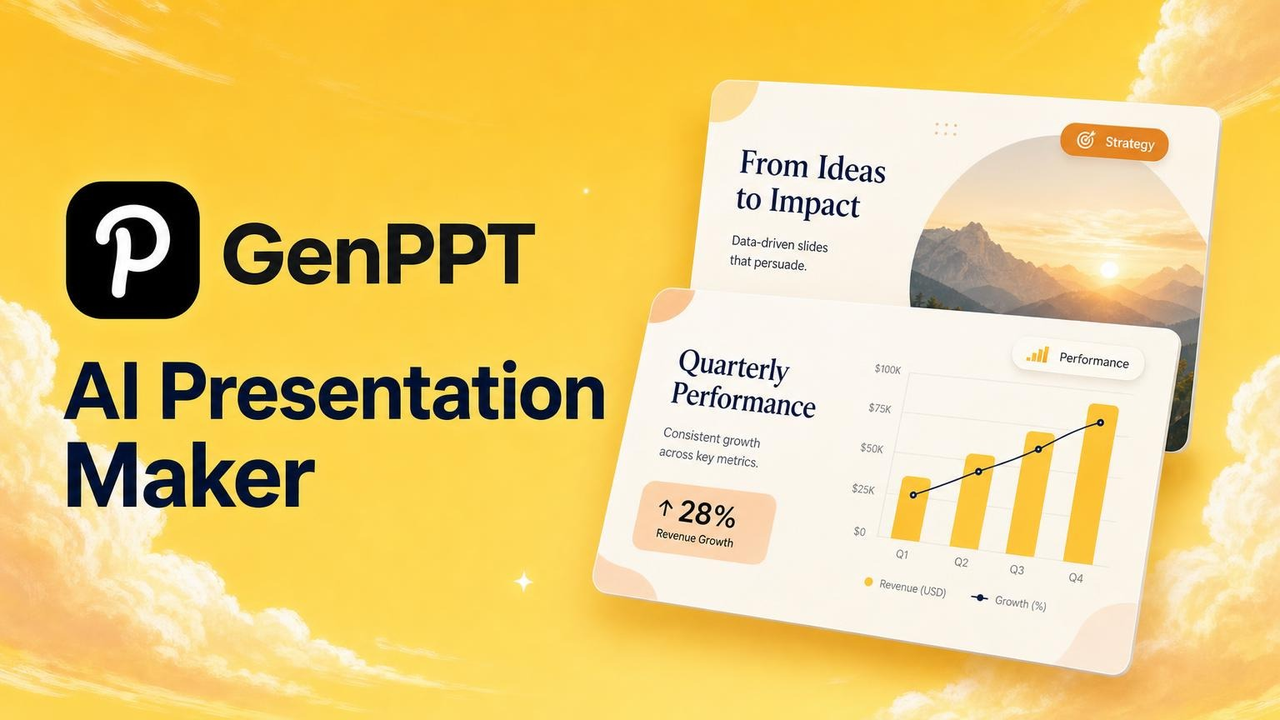
Prompt-or-docs AI deck generator: approve the concept, then it builds designed full-slide decks with watermark-free PowerPoint and PDF export. $1 trial, then paid.
AhaSlides
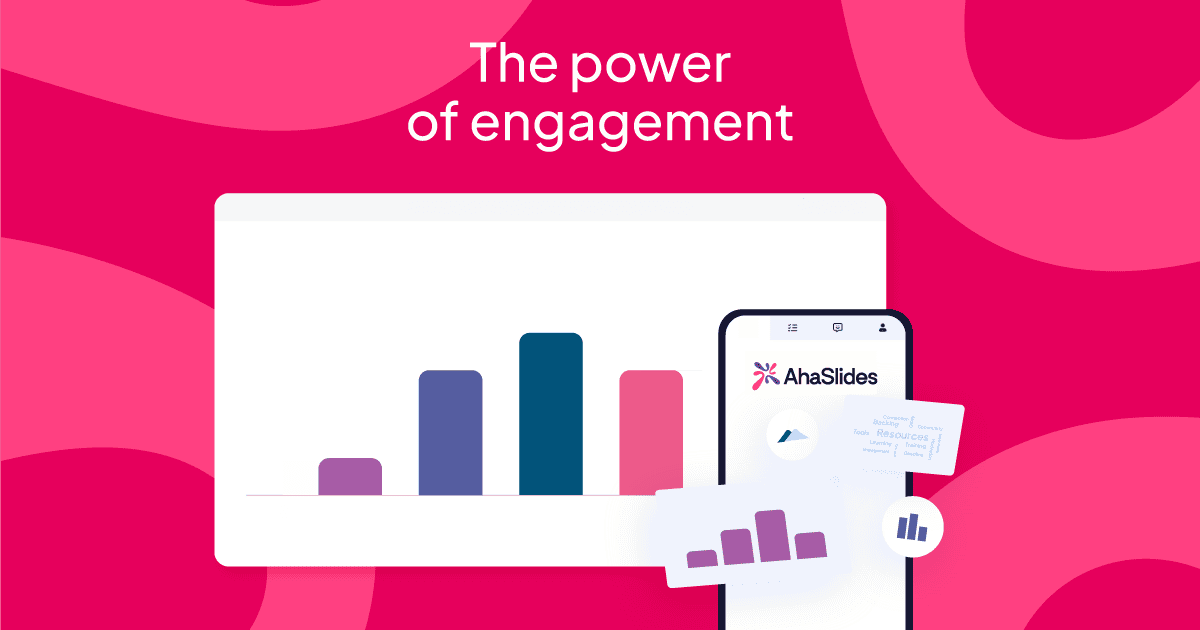
Interactive presentation software with live polls, quizzes and Q&A, plus an AI presentation maker; works standalone and as a PowerPoint/Google Slides add-in.