
AI Presentation Makers
Standalone AI apps that generate, design and present a whole deck — from a prompt or a document — without a separate design tool.
AI Presentation Makers
AhaSlides
Interactive presentation software with live polls, quizzes and Q&A, plus an AI presentation maker; works standalone and as a PowerPoint/Google Slides add-in.
GenPPT
Prompt-or-docs AI deck generator: approve the concept, then it builds designed full-slide decks with watermark-free PowerPoint and PDF export. $1 trial, then paid.
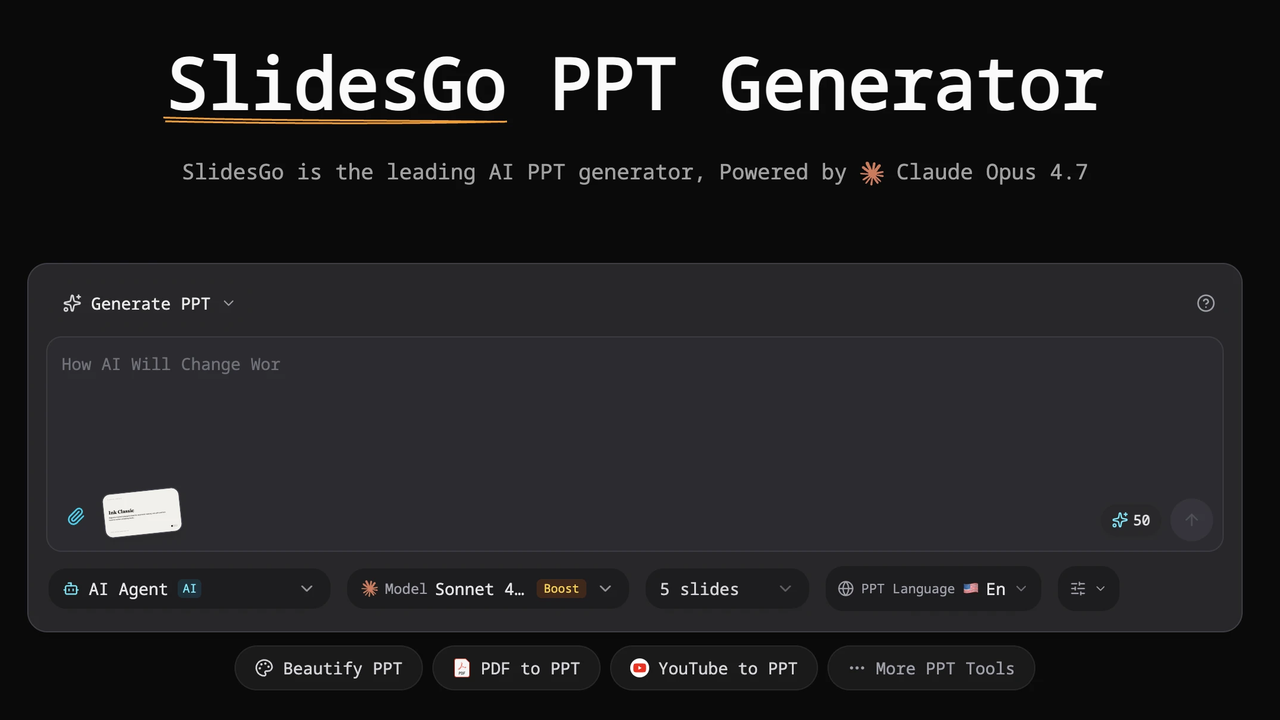
SlidesGo
AI presentation tool (slidesgo.io, not Slidesgo.com) that generates PowerPoint decks from a prompt and converts PDF/Word/Excel/YouTube/text to slides, built with Claude models. Credit-based from $9.50/mo.
PopAi
All-in-one AI workspace (16M+ users) whose AI Presentation Maker turns a topic, PDF, Word file or webpage into an editable deck with PowerPoint and PDF export.
SlidesGPT
AI slide generator — the #1-rated PowerPoint maker in the ChatGPT store; turns text, articles or PDFs into decks with PowerPoint, Google Slides and PDF export.

Sendsteps
AI presentation maker with live audience interaction generates decks with polls, quizzes, word clouds and Q&A answered from the audience's phones, plus PowerPoint import/export.

Simplified
All-in-one AI content and design platform — presentations alongside social graphics, video, documents and copy, with a shared brand kit.
Visme
All-in-one visual content platform for presentations, infographics, reports and data visualizations, with an AI Designer and broad export options on paid
Storydoc
AI presentation maker that creates interactive, web-based decks with built-in viewer analytics and personalization, built for sales decks, proposals and

genially
No-code platform for interactive presentations, infographics and e-learning content, with AI helpers for images, quizzes, narration and translation.

aippt
AI presentation generator that turns prompts, documents, PDFs and URLs into slide decks, with export to PowerPoint, Google Slides and Keynote.
SlideSpeak
SlideSpeak is a standalone AI presentation maker that turns documents, PDFs, existing slides or a plain topic into a native, editable PowerPoint deck, with an AI assistant you can chat to about your source file
An AI presentation maker is a standalone app that builds a whole deck for you — you describe what you want, or paste in a document, and it generates the slides, the copy and the design together, then lets you refine, present and share. Unlike an add-in that works inside PowerPoint or Google Slides, a maker is its own application with its own editor: you create in it, and then decide how the deck leaves the tool.
This page explains what these tools have in common, the vocabulary you need to compare them, and which makers are worth a look. If you want a step-by-step decision, our guide on how to choose an AI presentation tool walks through it; if you are not sure you need one at all, start with do you actually need an AI presentation tool?
The vocabulary of AI presentation makers
A handful of terms come up again and again in this category, and knowing them makes every comparison clearer:
- Prompt-to-deck. Generating a full presentation from a short text description. The headline feature of most makers, and the thing they are fastest at.
- Document-to-deck. Turning an existing document, report or set of notes into slides — often more reliable than a bare prompt, because the facts are already yours. See turning a document into slides.
- Credits. Most makers meter AI generation in credits. Watch whether free credits refresh monthly or are a one-time allowance, because that decides how far a free plan goes.
- Watermark. Some tools stamp a "Made with…" mark on free decks. Fine for personal use, not for client work.
- Editable PowerPoint (PPTX) export. Whether you can get a genuine, editable .pptx file out — as opposed to a flattened or image-based one. This single factor decides the tool for anyone who must deliver a PowerPoint file.
- Brand kit. Saved fonts, colours and logos that keep every deck on-brand. Usually a paid feature, and central for teams.
- Reflowable vs fixed slides. Some makers (like Gamma) treat a deck as a reflowable web page rather than fixed slides — great for sharing as a link, but the reason their PowerPoint export can lose fidelity.
Makers in this category
Every tool below is a standalone AI presentation maker. They differ most in three things: whether they have a genuine free plan, whether they export editable PowerPoint, and whether they are built for a solo user or a team.
| Tool | In a line | Free plan? |
|---|---|---|
| Gamma | Fast, web-native decks you share as a link | Yes (watermarked) |
| Canva | All-in-one design suite with AI and editable PPTX | Yes |
| Beautiful.ai | Automatic on-brand design for business teams | No (trial) |
| Pitch | Team pitching platform with engagement analytics | Yes |
| Presentations.AI | Conversational, "describe it and it builds" generation | Yes |
| Decktopus | Guided deck maker for non-designers, with delivery extras | Trial only |
| Prezi | Zooming, non-linear presentations for live talks | Yes (public) |
How the makers differ
The quickest way to narrow them: decide where your deck needs to end up, and whether you are working alone or with a team.
For speed and a distinctive look, Gamma leads — it drafts a modern deck from a prompt in about a minute and shares as a link, though its PowerPoint export is lossy. See Gamma vs Canva and Gamma vs Beautiful.ai.
For an all-in-one, free, editable option, Canva is the safe default: a generous free plan, editable PowerPoint even on free, and it doubles for social, video and print.
For teams that must stay on-brand, Beautiful.ai and Pitch are built for governance and collaboration — Beautiful.ai for automatic design consistency, Pitch for a sales-and-sharing workflow with analytics. See AI presentation tools for teams.
For something different, Prezi offers a zooming, non-linear canvas that stands apart for live teaching and talks, and Decktopus and Presentations.AI lean into fast, guided generation for non-designers.
Makers vs add-ins vs PowerPoint tools
If you must deliver inside PowerPoint or Google Slides specifically, a standalone maker may not be the right category at all — an AI slide generator that works as an add-in generates native, editable slides with no export step. And if editable PowerPoint is your finish line, our AI PowerPoint tools category focuses on exactly that. Makers are the right choice when you want a self-contained app to create, design and present in — and are happy to export when you need a file.
Frequently asked questions
What is an AI presentation maker? A standalone application that generates a complete presentation — slides, copy and design — from a prompt or a document, and lets you refine, present and share it. It is distinct from an add-in, which adds AI inside PowerPoint or Google Slides rather than being its own app.
Which AI presentation maker is best? There is no single best; it depends on your needs. Gamma is best for fast, distinctive decks you share as a link; Canva for a free, all-in-one option with editable PowerPoint; Beautiful.ai or Pitch for teams. Our buyer's guide matches tools to situations.
Which AI presentation makers have a free plan? Gamma, Canva, Presentations.AI and Prezi have genuine free plans (each with its own catch, such as a watermark or public-only decks); Pitch has one too. Beautiful.ai and Decktopus are trial-only. See best free AI presentation tools.
Can AI presentation makers export to PowerPoint? Most can, but the quality varies: Canva and Beautiful.ai export clean, editable .pptx; Gamma's export flattens its reflowable design; Prezi's is static frames. If an editable file is essential, check this before choosing.
Do I need design skills to use one? No — that is the point of the category. These tools handle layout and design for you, which is exactly why they suit non-designers. You bring the content and the judgement about what matters; the tool makes it look presentable.
Pricing, plans and features change often — confirm the current details on each vendor's own site before you buy.