
AI PowerPoint Tools
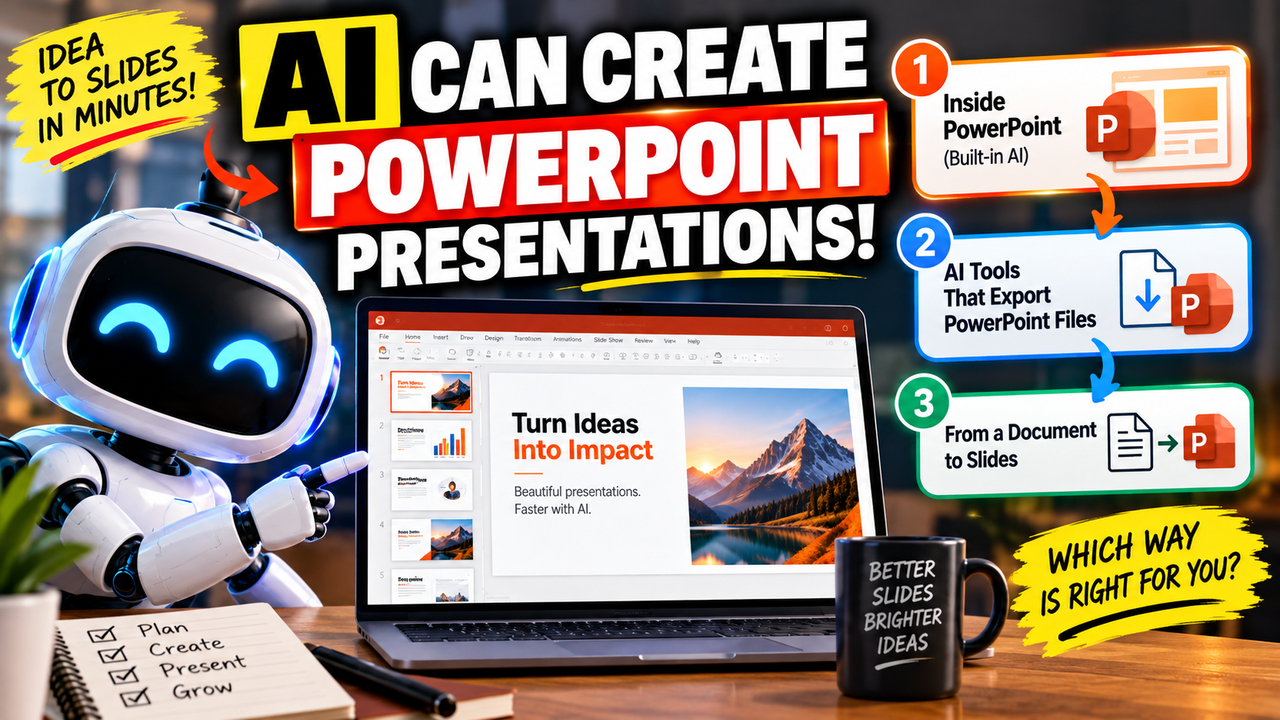
Can AI Create a PowerPoint Presentation?
Prompt-or-docs AI deck generator: approve the concept, then it builds designed full-slide decks with watermark-free PowerPoint and PDF export. $1 trial, then paid.
GenPPT is a prompt-to-deck AI presentation generator with a "designed, not templated" pitch: you give it a brief or upload your own material, it proposes an outline and concept for you to approve, then generates a full-slide image deck you can refine by chat and export. It runs as a standalone web app and is built for speed — getting from a brief (or a document) to a finished, good-looking deck without a manual editor.
The most important thing to know: there's no free plan. You start with a $1, three-day trial, then pay $25/month or $99/year (about $8/month on the annual plan) for 20 decks a month. It exports watermark-free PowerPoint (PPTX) and PDF, and — a recent change — it now accepts your own PDFs, Word docs, text files and images, not just a prompt.
It sits in AI presentation makers, AI slide generators and AI PowerPoint tools.
Approve the concept, then generate. You review the outline and concept before it builds the full deck, which gives more control over direction than one-shot generators.
Prompt or your own documents. Start from a topic or upload a PDF, Word file, text or images; GenPPT turns existing material into structured slides while keeping your wording.
Designed, full-slide decks, watermark-free. Output leans on full-slide image designs rather than plain templates, and PowerPoint and PDF export carry no watermark.
GenPPT builds decks in its own web app; it doesn't run inside PowerPoint or as a Google Slides add-on. It exports watermark-free PowerPoint (PPTX) and PDF; the PPTX opens and presents in PowerPoint, Google Slides or Keynote, but there's no native Google Slides export. Because slides are full-slide image designs, exported files are image-led rather than fully text-editable templates.
There's no free plan. A $1 three-day trial (card required) opens the Studio; cancel within three days and you're not billed. After that it's $25/month, or $99/year (about $8/month, advertised as 67% off), for 20 full-slide decks a month with unlimited chat edits. Confirm current figures on the pricing page.
People who want fast, good-looking decks from a brief or an existing document, like to approve the concept before full generation, and are happy editing by chat — marketers, founders and students who'll use a handful of decks a month.
There's no permanent free tier (paid after the $1 trial), the monthly allowance is capped at 20 decks, slides are image-led rather than hand-editable text templates, and editing is chat-driven rather than drag-and-drop. If you need a free plan, unlimited decks or fine-grained manual editing, look elsewhere.
Pricing, plans and features change often — check the current details on GenPPT's site before relying on them.

An AI presentation maker that turns a prompt or a pasted document into a finished-looking deck in about a minute. A standalone web app — great free plan for on-screen decks, but clean PowerPoint export and branding are paid.
AI presentation generator that turns prompts, documents, PDFs and URLs into slide decks, with export to PowerPoint, Google Slides and Keynote.
AI slide generator — the #1-rated PowerPoint maker in the ChatGPT store; turns text, articles or PDFs into decks with PowerPoint, Google Slides and PDF export.
An AI presentation maker that turns a prompt or a pasted document into a finished-looking deck in about a minute. A standalone web app — great free plan for on-screen decks, but clean PowerPoint export and branding are paid.

A standalone AI presentation app built on rule-based smart templates that auto-format every slide. Built for business teams who want on-brand, consistent decks without manual design — no free plan, editable PowerPoint export on every paid tier.

A generative-AI-first presentation maker — "ChatGPT for presentations." You describe a deck and it builds the whole thing, then you refine conversationally. Genuine free plan; fast, but a thin independent track record so far.

A complete buyer's guide to AI presentation tools — the five questions that decide the right one, the traps to avoid, and clear picks for every situation.

Turn a Word doc, PDF or report into a presentation with AI. The best tools for document-to-slides, a step-by-step method, and how to keep the output accurate.