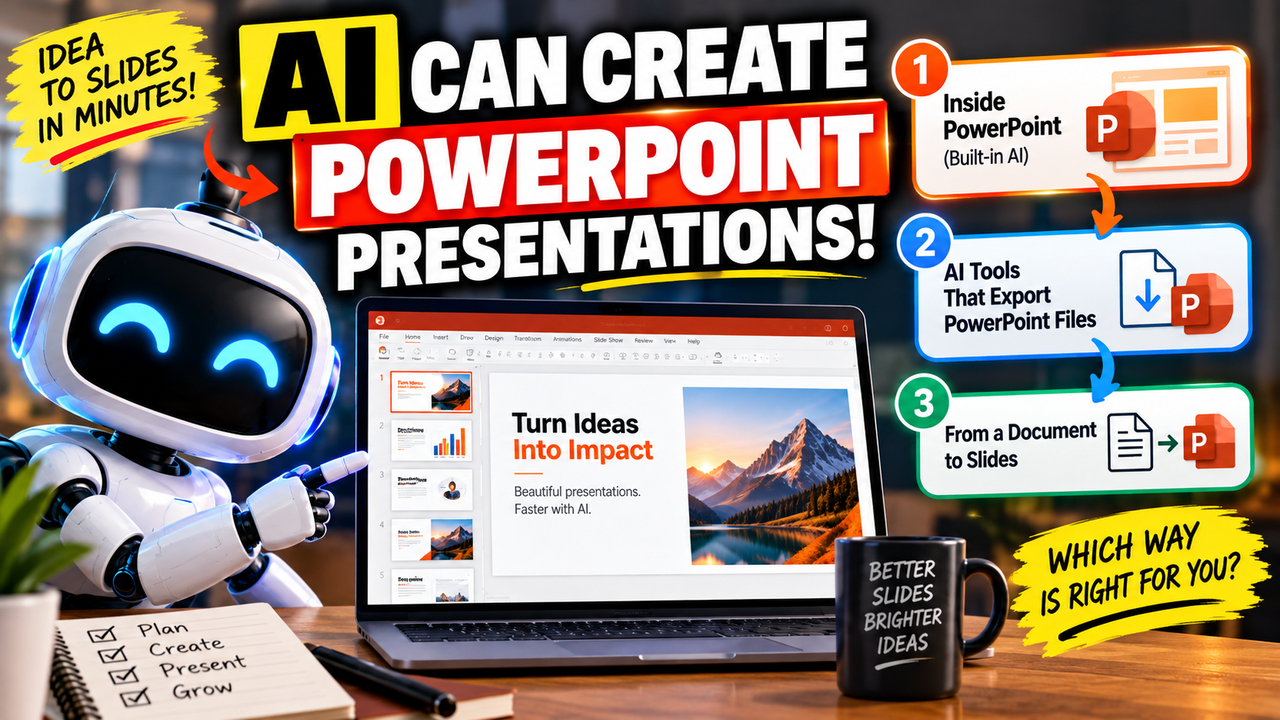
AiPPT.com turns a prompt, a document, or a web page into a finished slide deck, then lets you export it to the formats most audiences expect. You give it a topic, pasted text, a Word file, a PDF, a URL, Google Drive content, Markdown, or a mind map; it drafts an outline, fills the slides with text and images, and applies one of its templates. Its strongest use is document-to-slides — turning content you already have into a first draft without building each slide by hand.
The most important thing to know is what "free" gets you: AiPPT's free tier generates decks but watermarks them, caps them at about 10 slides, and won't export to PowerPoint. Export and unbranded slides are paid.
It sits in AI presentation makers, AI slide generators and AI PowerPoint tools.
Where it stands out
It starts from almost anything. Prompts, Word and PDF files, URLs, Google Drive, Markdown and mind maps is a wider set of inputs than most prompt-only tools, which helps when your content already lives somewhere.
It exports to the formats people actually use. On paid plans it produces editable PowerPoint, Google Slides and Keynote files, so the finished deck drops into a normal workflow instead of staying locked in the app. Reviewers report that exported layouts hold up reasonably well.
It's inexpensive to start and has a large template library across business, education and many other categories, with a one-time lifetime licence sold alongside the monthly plans.
Google Slides and PowerPoint: what's native, what's export
AiPPT builds decks in its own web app; it does not run inside PowerPoint or as a Google Slides add-on. What it offers is export to editable PowerPoint, Google Slides and Keynote — but only on paid plans. On the free tier there is no PowerPoint export at all.
Free vs paid
The free plan is for evaluation, not delivery: a one-time allowance of AI credits, roughly a 10-slide cap, the basic model, a watermark, and no PowerPoint export. Everything most people actually need — export, unbranded slides, more credits, longer decks and better models — sits on the Plus and Pro plans, which start at around $10 per month billed annually, with a lifetime licence also available. Confirm the current figure on the pricing page, as it shifts by billing period and region.
Who it's best for
Founders, educators, marketers and anyone who regularly needs a presentable deck fast from a topic or an existing document, and who wants the result as an editable PowerPoint or Google Slides file.
Where it may not be the best fit
Because of the watermark, the slide cap and the missing PowerPoint export, the free plan isn't usable for finished work, so this is really a paid tool once you're past testing. Output quality varies and often needs editing, so for highly bespoke, on-brand design you'll still do manual work. There is also no public API.
Alternatives to consider
- Gamma — a standalone maker with a strong free tier that already exports to PowerPoint, PDF and Google Slides.
- Presentations.AI — another prompt-to-deck maker aimed at fast, complete presentations.
- SlidesAI — a Google Slides add-on, if you'd rather generate slides inside Slides than export to them.
Pricing, free-plan limits and export options change often — check the current details on AiPPT's site before relying on them.