
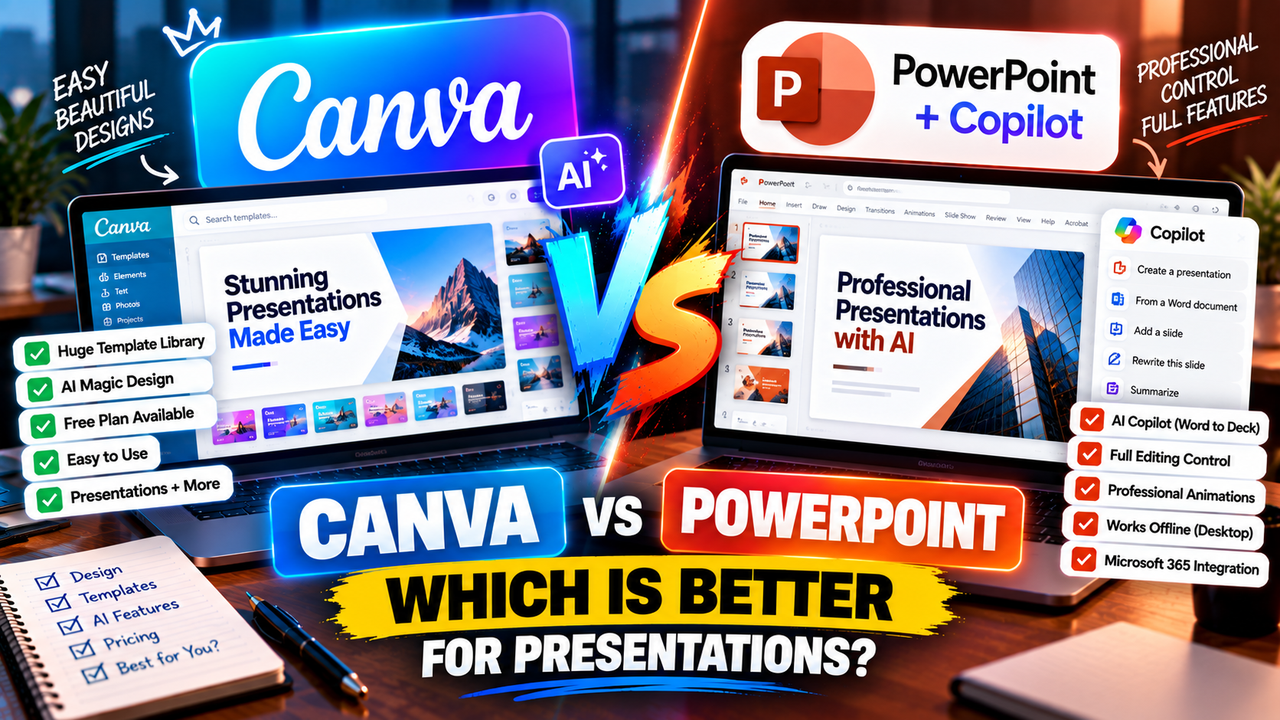
Canva vs PowerPoint in 2026: Which Is Better With AI?
Canva vs PowerPoint in 2026: Which Is Better Now That Both Have AI?
For years this was a simple choice: PowerPoint if you worked in an office, Canva if you wanted something easier and prettier. AI has scrambled that. PowerPoint now has Copilot, which can generate a whole deck from a prompt or a Word document. Canva has Magic Studio, which does much the same from inside a browser. So the real question in 2026 isn't "design tool vs office software" — it's which AI-assisted way of building slides fits your work, your budget and your ecosystem.
Here's the direct answer, then the detail.
Quick verdict: Use Canva if you want the easiest path to good-looking slides, you value templates and browser-based collaboration, and you don't already pay for Microsoft. Use PowerPoint (with Copilot) if you're already in the Microsoft 365 ecosystem, you need deep formatting and animation control, and you want AI generation right inside the file format your organisation already runs on.
What you're actually comparing
It's worth being precise, because both products changed.
Canva is an all-in-one design platform. Presentations are one of many things it makes (alongside social posts, docs, videos and more), and its AI layer — Magic Studio, including Magic Design — can generate a presentation from a short prompt, restyle it, resize it into other formats, and write or edit copy. It runs in the browser, leans heavily on a huge template library, and is built for people who don't consider themselves designers.
PowerPoint is the industry-standard presentation application, part of Microsoft 365. On its own it has no generative AI. The AI comes from Copilot, a paid add-on: once you have a Copilot license, Copilot in PowerPoint can draft a presentation from a prompt, build a deck from an existing Word document, add or summarise slides, and suggest designs — all inside PowerPoint itself.
So you're comparing a design-first platform with built-in AI against the professional standard with a bolt-on AI assistant. That framing explains almost every difference below.
Canva vs PowerPoint at a glance
| Canva | PowerPoint + Copilot | |
|---|---|---|
| What it is | All-in-one design platform | Industry-standard slide app |
| AI feature | Magic Studio / Magic Design (built in) | Copilot (paid add-on) |
| AI: prompt → deck | Yes | Yes (with Copilot) |
| AI: document → deck | Limited | Yes — from a Word doc |
| Free plan | Yes (with AI limits) | No — needs Microsoft 365 |
| Base cost | Free, or Pro ~$15/mo | M365 (e.g. ~$70/yr Personal) |
| AI cost | Included (with limits) on Pro | Extra: Copilot Pro ~$20/mo, or M365 Copilot ~$30/user/mo |
| Templates | Enormous library | Solid, smaller |
| Formatting/animation control | Good | Best-in-class |
| Works offline | No (browser) | Yes (desktop app) |
| Collaboration | Real-time, built in | Via OneDrive/365 |
| Best for | Speed, design, non-designers | Control, compatibility, MS users |
Pricing and features change often and vary by region — confirm current figures before you commit.
AI features head-to-head
Canva's Magic Design is aimed at "type a sentence, get a deck." You describe what you want, it assembles a presentation from its templates and assets, and you refine it visually. Magic Write helps with copy, Magic Switch converts a deck into other formats (a doc, a social set, a different size), and Magic Media generates images. It's approachable and fast, and because it's tied to Canva's template library, the results look designed even if you have no design skill. The catch: on the free plan, AI usage is capped, and the most useful Magic features expect Canva Pro.
PowerPoint's Copilot is aimed at people already working in Microsoft. Its standout trick is turning a Word document into a full presentation — genuinely useful if your content starts as a written report or brief. It can also generate a deck from a prompt, add slides on request, rewrite or summarise content, and lean on Designer for layout suggestions. Because it operates inside PowerPoint, everything it produces is immediately a native, fully editable PPTX with the complete PowerPoint toolset behind it. The catch: you can't use any of it without paying for a Copilot license on top of Microsoft 365.
If your raw material is written documents, Copilot's Word-to-deck flow is a real advantage — see can AI create a PowerPoint presentation for how that works in practice. If your raw material is "an idea and a deadline," Canva's Magic Design gets you to a polished draft faster.
The pricing reality
This is where a lot of people miscalculate, so read carefully.
Canva:
- Free — real and usable, including limited Magic Design/AI.
- Pro — around $15/month (roughly $120–130/year for one person), which unlocks the full Magic Studio AI, premium templates and brand tools.
- Teams/Business — per-seat pricing for organisations.
With Canva, AI is included in the plan (subject to usage limits). One subscription, one price.
PowerPoint + Copilot is a stack:
- Microsoft 365 first — e.g. Personal at roughly $70/year, or a business plan around $12.50/user/month.
- Then a Copilot license on top — Copilot Pro at about $20/month for individuals, or Microsoft 365 Copilot at about $30/user/month (annual) for business.
So the AI you're comparing to Canva's ~$15/month isn't PowerPoint's base price — it's PowerPoint's base price plus $20–$30/month for Copilot. For an individual, PowerPoint with Copilot can easily cost more than twice what Canva Pro does. If budget is the deciding factor and you don't already pay Microsoft, Canva wins comfortably.
That said, if your employer already provides Microsoft 365 and Copilot, the marginal cost to you is zero — and that changes the maths entirely.
Ease of use and collaboration
Canva is the easier tool for most people. It's browser-based, template-driven, and forgiving — you can drag, drop and restyle without thinking about master slides or layout rules. Real-time collaboration is built in and effortless, much like Google Slides (which we cover in can you use AI with Google Slides).
PowerPoint has a steeper feel but a higher ceiling. Its desktop app works offline, its formatting and animation controls are the most powerful in the category, and nothing beats it for pixel-level control or complex, animation-heavy decks. Collaboration works through OneDrive and Microsoft 365, which is seamless inside a Microsoft shop and clunkier outside one.
Compatibility and control
If your world runs on .pptx files — corporate templates, colleagues who expect an editable deck, a boss who marks it up in PowerPoint — then PowerPoint is the path of least resistance, and Copilot lets you generate within that world. Canva does export to PowerPoint (and PDF, PNG and video), and the export is decent, but complex Canva designs can shift slightly when opened in PowerPoint, so it's not always a perfect round-trip.
For control, PowerPoint wins: animations, transitions, precise alignment, master slides and the deepest formatting options belong to it. For speed and looks with less effort, Canva wins.
Who should choose Canva
- Non-designers who want good-looking slides fast.
- Solo users, creators, students, marketers and small teams.
- Anyone who wants one tool for presentations and social, docs and video.
- People who don't already pay for Microsoft 365 and want AI included in one affordable plan.
Who should choose PowerPoint + Copilot
- Anyone already inside the Microsoft 365 ecosystem (especially if Copilot is employer-provided).
- People who need best-in-class formatting, animation and precise control.
- Those whose content starts as Word documents and who want AI to convert it into slides.
- Organisations standardised on .pptx files and Microsoft collaboration.
The bottom line
In 2026, both can generate a deck with AI — so choose on ecosystem, budget and control. Canva is the better value and the easier ride for most individuals and small teams: AI is built in, the free plan is genuinely useful, and the templates make anyone look capable. PowerPoint with Copilot is the better fit when you already live in Microsoft, need deep control, or want AI to work directly on native PowerPoint files and Word documents — just remember Copilot is a paid layer on top of Microsoft 365.
Still deciding across the whole category? Our guide to how to choose an AI presentation tool and the roundup of the best AI add-ins for PowerPoint and Google Slides will help — and it's worth seeing how a dedicated AI maker like Gamma or Beautiful.ai compares to both.
Frequently asked questions
Is Canva or PowerPoint better for AI presentations? For most individuals, Canva is easier and cheaper because AI (Magic Design) is built into its plan. PowerPoint's Copilot is powerful but costs extra on top of Microsoft 365 and suits people already in that ecosystem.
Does PowerPoint have AI built in? Not by default. PowerPoint's AI comes from Copilot, a paid add-on. Once licensed, Copilot can generate decks from prompts or Word documents inside PowerPoint.
How much does Copilot for PowerPoint cost? You need Microsoft 365 first, then a Copilot license: roughly $20/month for Copilot Pro (individuals) or about $30/user/month for Microsoft 365 Copilot (business, annual). Confirm current pricing with Microsoft.
Can Canva export to PowerPoint? Yes — Canva exports to PPTX, PDF, PNG and video. Very complex designs may shift slightly when reopened in PowerPoint, so check the result.
Which is better for teams? Canva has effortless built-in collaboration for mixed teams. PowerPoint collaborates best inside a Microsoft 365 environment. Your existing tools should decide it.
Prices and features were checked in September 2026, vary by region, and change frequently — always confirm on the official sites before subscribing.
Listings related to Canva vs PowerPoint in 2026: Which Is Better With AI?

Canva
The presentation side of Canva's all-in-one design suite, with Magic Studio AI turning a prompt or document into an editable, template-based deck. Easiest on-ramp, generous free tier, editable PowerPoint in and out — but a generalist, not a specialist.

Gamma
An AI presentation maker that turns a prompt or a pasted document into a finished-looking deck in about a minute. A standalone web app — great free plan for on-screen decks, but clean PowerPoint export and branding are paid.
Microsoft Copilot for PowerPoint
Microsoft's AI built directly into PowerPoint — builds decks from a prompt, a Word doc or a PDF, all as native editable .pptx. Unmatched integration with your real files; no free tier, requires a paid Microsoft 365 + Copilot licence.

Beautiful.ai
A standalone AI presentation app built on rule-based smart templates that auto-format every slide. Built for business teams who want on-brand, consistent decks without manual design — no free plan, editable PowerPoint export on every paid tier.