
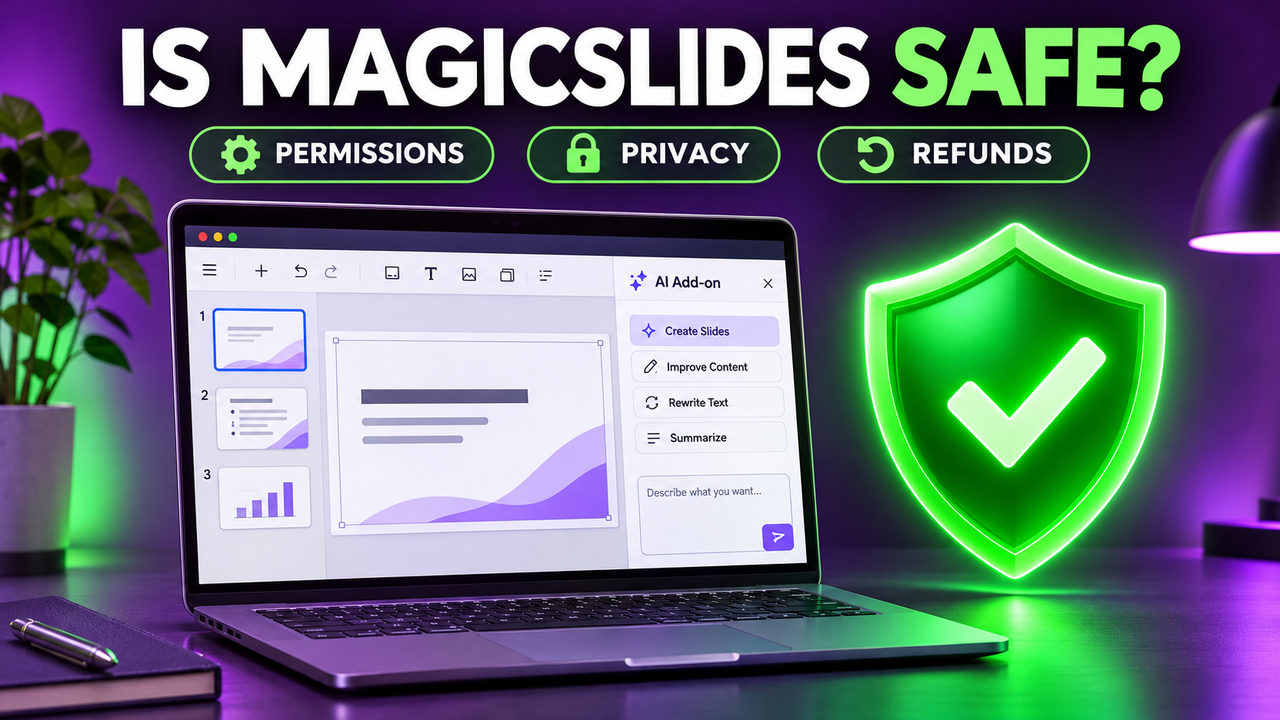
Is MagicSlides Safe? Who Makes It, What It Can Access and How to Install It
Yes, MagicSlides is a legitimate product from an Indian software company, and its Google Slides add-on asks for a fairly narrow set of permissions. It is safe to use for ordinary school and work presentations as long as you install it from official sources. The real questions are what happens to the text you paste in, how refunds work, and whether you have the real app.
Everything below was checked on 20 October 2026 against MagicSlides' own policies and official store listings. These change, so recheck before you pay.
What is MagicSlides?
MagicSlides is an AI presentation generator. You give it a topic, some text, a document, a YouTube link or a web page, and it builds a slide deck. It started as a Google Slides add-on and now also runs as a web app at magicslides.app, with a Chrome extension and mobile apps. Decks can be opened in Google Slides or downloaded as PowerPoint files. Our step-by-step guide to using MagicSlides walks through each version. If you mainly want to know whether AI works inside Google Slides at all, our guide on using AI with Google Slides covers the wider picture.
Who makes MagicSlides?
| Detail | What we found |
|---|---|
| Company named in the terms | IndianAppGuy Tech Private Limited |
| Governing law | India, courts of Bengaluru, Karnataka |
| Founder | Sanskar Tiwari, founder of IndianAppGuy Tech (Bengaluru) |
| Developer name on Google Workspace Marketplace | MagicSlides App (magicslides.app) |
| Seller on Apple's App Store | Sanskar Tiwari |
| Support contact | support@magicslides.app |
The terms do not give a postal address, but the company and jurisdiction are clearly named and match across the website and store listings.
Is the MagicSlides Google Slides add-on safe?
The add-on's Google Workspace Marketplace listing shows these permissions:
- View and manage the Google Slides presentations that this application is installed in
- Display and run third-party web content in prompts and sidebars inside Google applications
- Connect to an external service
- See your primary Google Account email address
- See your personal info, including any personal info you've made publicly available
The first permission is the one that matters. It limits the add-on to presentations where you have installed and opened it. It does not ask for access to your whole Google Drive, your Gmail or your calendar. "Connect to an external service" means slide content is sent to MagicSlides' servers to be generated, which is how every AI slide add-on works.
The listing showed a 4.7-star average from 1,483 reviews and more than 1 million installs, with the listing last updated on 17 October 2026. A Marketplace listing is not a Google security audit, but it is a reasonable sign of a real product.
If you install it through a school or company Google account, your admin may need to approve it first. You can remove its access at any time from your Google Account's third-party connections page.
What does MagicSlides do with your data?
Here are the main points from the MagicSlides privacy policy (last updated 3 February 2026):
| Question | What the policy says |
|---|---|
| What it collects | Contact details, content you submit or generate, usage and device data. From Google: basic profile, the files you select and OAuth tokens. |
| Does it sell data? | "We do not sell or rent personal information or Google user data." |
| Google Sheets access | Read-only. It says it does not edit, delete or write back to your Sheets. |
| Security | TLS encryption in transit, AES-256 encryption at rest for OAuth tokens, access controls. |
| AI providers | The terms say some features send queries to OpenAI. The privacy policy names OpenAI and Google for Zoom meeting notes. The terms also say MagicSlides does not use DeepSeek, OpenRouter or Claude models. |
| Training on your content | Only stated for Zoom audio, which it says is never used to train AI models. The policy does not say either way for the text and files you use to make slides. |
| Deletion | Email support@magicslides.app. Deletion typically happens within 30 days, with backups following their normal retention cycle. |
| Where data is stored | Not named. The policy refers only to "cloud hosting" and cloud infrastructure providers. |
Two gaps stand out. The policy does not name storage regions, and it is silent on whether your slide prompts and uploaded documents can be used for model training. For confidential financials or client data, check with your IT team first, or use a tool your organisation already approves, such as Microsoft Copilot in PowerPoint under a business Microsoft 365 licence.
A web search turned up no publicly reported MagicSlides data breach.
Is MagicSlides legit about payments and refunds?
Payments on the website go through Stripe, a mainstream card processor, and the pricing page also shows UPI as an option.
The refund policy is short, so read it before you subscribe:
- Refunds are available within 5 calendar days of your first purchase of a plan tier.
- Renewals and plan upgrades are not refundable.
- Annual plans can get a pro-rated refund if you ask within the first 30 days.
- Requests go to support@magicslides.app with your account email and reason. Processing takes about 2 business days, plus 5 to 10 for the money to arrive.
- If you cancel, your subscription stays active until the end of the billing period.
The biggest practical risk is a forgotten renewal. Set a reminder before the renewal date if you only need MagicSlides for one project. Prices in the iOS app are charged through Apple and differ from the website (for example, the iOS listing showed Essential Monthly at $11.99), and Apple's own refund process applies to those purchases.
If you only want to try it, the free plan exists for that. Our guide to whether MagicSlides is free covers what it includes, and the best free AI presentation tools compares it with other free options.
Is the MagicSlides app safe to download?
Only if it comes from an official source. Search results for "magic slides app" include third-party download sites offering Android files.
Install MagicSlides only from these places:
- The website, magicslides.app
- The Google Workspace Marketplace listing (developer shown as MagicSlides App)
- The Chrome Web Store (listed as "Magicslide.app", linked to magicslides.app)
- Apple's App Store (seller shown as Sanskar Tiwari)
- Google Play, if you can reach it from a link on magicslides.app
MagicSlides announced iOS and Android apps in December 2025. Its update pages link to the App Store but not to Google Play, so we could not confirm the Android listing. Avoid APK files from download sites. They skip store checks, and you cannot tell an official build from a tampered one.
Is MagicSlides good, and does it work?
It works for turning a topic or a chunk of text into a first draft of slides. Public ratings are positive but thin outside Google's marketplace. Trustpilot showed 35 reviews and a 4.5 TrustScore, with a note that the company has not invited reviews, so the sample may not be representative. Positive reviews there mention speed and ease of use. The negative ones mention features that did not match the marketing, limited brand customisation, slides that still needed manual editing, and slow support and refund replies. These are individual opinions, not test results.
Expect to edit what it produces, as with every AI slide generator. Our list of AI add-ins for PowerPoint and Google Slides compares MagicSlides with other add-ons that work inside the editors.
Should you use MagicSlides?
MagicSlides is a reasonable choice if you work in Google Slides, want a quick first draft and are comfortable with an AI service processing the text you paste in. Look elsewhere, or get approval first, if your content is confidential or your organisation needs a named data region and a clear no-training commitment.
If you want an alternative that also lives inside Google Slides and PowerPoint, Plus AI and SlidesAI are the closest matches.
You can see pricing, features and export options on our MagicSlides listing, or browse the AI slide generators category to compare it with similar tools.
FAQ
Can MagicSlides see my Google Drive? The add-on asks to view and manage only the Google Slides presentations it is installed in. It does not request access to your whole Drive.
Does MagicSlides use ChatGPT? Its terms say some features send queries to OpenAI, the company behind ChatGPT. It does not say which OpenAI models it uses.
How do I delete my MagicSlides data? Email support@magicslides.app. The privacy policy says deletion usually happens within 30 days. You can also remove the add-on's access from your Google Account settings.
Can I get a refund from MagicSlides? Within 5 days of your first purchase of a plan, yes. Renewals and upgrades are excluded, and annual plans have a 30-day pro-rated window.
Listings related to Is MagicSlides Safe? Who Makes It, What It Can Access and How to Install It

MagicSlides
MagicSlides is an AI slide generator that turns a topic, document, URL or YouTube video into a presentation — most notably as a native Google Slides add-on that produces editable Google Slides, with a web app and PowerPoint/PDF export as well.
Microsoft Copilot for PowerPoint
Microsoft's AI built directly into PowerPoint — builds decks from a prompt, a Word doc or a PDF, all as native editable .pptx. Unmatched integration with your real files; no free tier, requires a paid Microsoft 365 + Copilot licence.

Plus AI
An AI add-in that generates and edits presentations natively inside Google Slides and PowerPoint — no separate app, no export step. Strong at improving existing decks, not just making new ones. Trial only, no free plan.

SlidesAI
A lightweight text-to-slides add-in for Google Slides and PowerPoint: paste notes, a topic or a document and it generates a starter deck. Genuine free plan, low price, huge install base — thin on design and editing.