
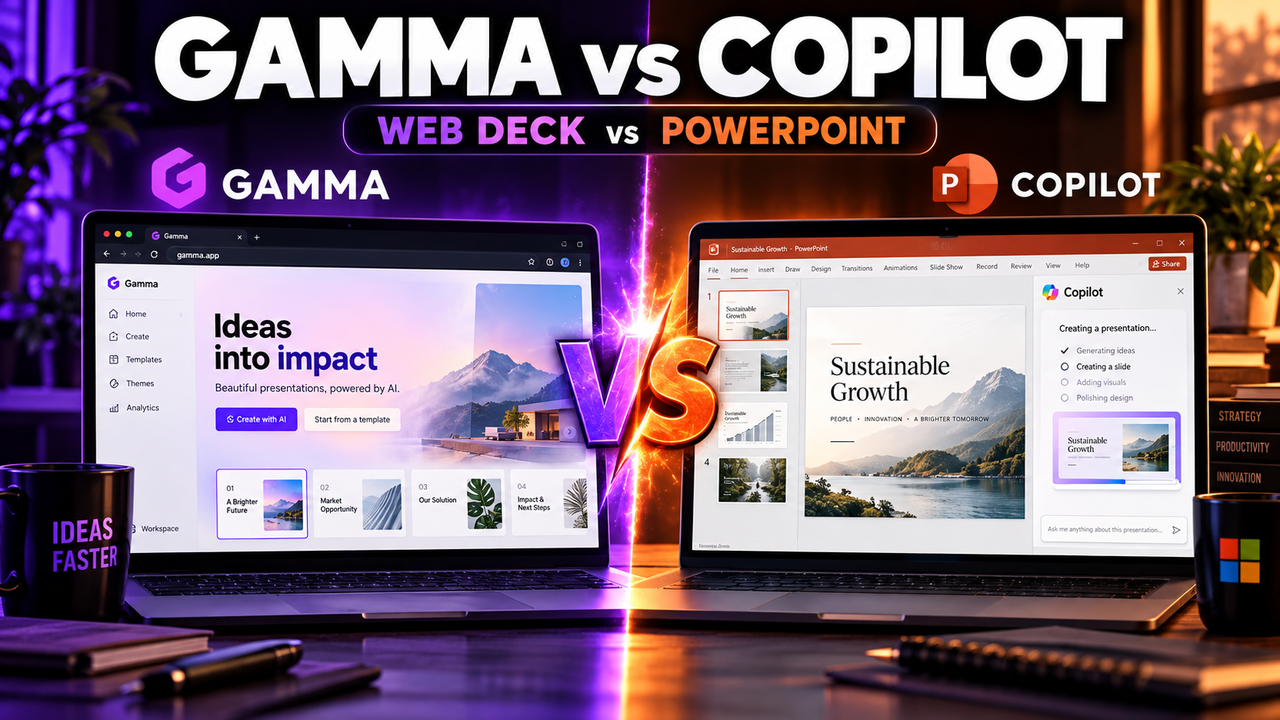
Gamma vs Microsoft Copilot for PowerPoint: Which Should You Pay For?
If you already pay for Microsoft 365, you may already have an AI presentation tool: Copilot is now included in PowerPoint on Microsoft's consumer plans. So the real question behind "Gamma vs Copilot" is usually this: is a separate AI presentation tool worth paying for when PowerPoint can now generate slides itself?
Short answer: stick with Microsoft Copilot for PowerPoint if your work lives in PowerPoint, you start from Word documents, or your company already pays for Microsoft 365. Choose Gamma if you care most about getting a striking-looking deck quickly, you share presentations as web links, or you do not use Microsoft 365 at all.
The core difference
These two tools sit on opposite sides of an important line.
Copilot creates native PowerPoint slides. It works inside the PowerPoint app, so whatever it builds is already a normal .pptx using PowerPoint's own layouts, fonts and templates. There is nothing to export or fix.
Gamma creates its own format and exports to PowerPoint. Gamma builds decks out of flexible cards, designed to look good on the web. You can export to PowerPoint, but Gamma's own documentation says some formatting adjustments may be needed because its card layout is different from standard slides. (The difference between native PowerPoint slides and an export is explained in can AI create a PowerPoint presentation.)
Almost every other difference flows from this one.
Comparison table
| Gamma | Copilot for PowerPoint | |
|---|---|---|
| Where you work | Gamma's web app | Inside PowerPoint |
| Output | Gamma cards, exported to PPTX/PDF | Native PowerPoint slides |
| Create from a prompt | Yes | Yes |
| Create from a Word document | Import supported | Yes, a headline feature |
| Visual design out of the box | Strong, modern themes | Uses PowerPoint designs and your templates |
| Share as a web page | Yes, a core feature | Via OneDrive/PowerPoint sharing |
| Free option | Free plan with one-time credits and a badge | Not in free PowerPoint; needs a paid Microsoft 365 plan |
| Paid entry | Plus, about $10/month | Microsoft 365 Personal, about $9.99/month |
Checked 1 October 2026. Microsoft prices are US list prices from Microsoft's site; Gamma's from its documentation and independent reviews. Confirm before buying.
What Copilot in PowerPoint can do now
According to Microsoft, Copilot in PowerPoint can:
- Create a presentation from a prompt, where you describe the topic, audience, tone and slide count.
- Build a presentation from a Word document you upload.
- Add individual slides, rewrite text, change tone and reorganise slides for better flow.
- Generate speaker notes and summary slides.
- Suggest layouts, colour schemes, images and icons.
The pricing has also changed. On Microsoft's US consumer plans, Copilot is included in Microsoft 365 Personal ($9.99/month or $99.99/year) and in Family ($12.99/month) for the subscription owner, with usage limits. Higher-usage tiers sit above that. For businesses, Copilot is licensed separately on top of Microsoft 365, so check with whoever manages your company's subscription.
That shift matters for this comparison. If you already pay for Microsoft 365 Personal, Copilot costs you nothing extra, while Gamma would be an additional subscription.
Where Gamma is the better choice
Design with less effort. Gamma's themes and layouts are built to look polished straight away. Copilot leans on PowerPoint's design suggestions and your templates, which can be excellent if your organisation has good templates and plain if it does not.
Web-first sharing. Gamma decks work as responsive web pages you can send by link, which suits async pitches, proposals and updates that people read rather than watch.
No Microsoft dependency. If you do not use Microsoft 365, Gamma's free plan lets you start at no cost, and its paid plans are similar in price to a Microsoft subscription you would otherwise need.
Docs and pages, too. Gamma also creates documents and simple web pages in the same tool.
Where Copilot is the better choice
You live in PowerPoint. Corporate templates, colleagues who edit .pptx files, decks reviewed with tracked changes: Copilot works with all of that and Gamma does not.
Your content starts in Word. Turning a Word document into a deck is one of Copilot's headline features. If your process is "write the report, then present it," Copilot fits it exactly. Our guide to turning a document or PDF into slides with AI covers this workflow more broadly.
You already pay for it. If Microsoft 365 is already on your card or your company's, Copilot is the cheaper option.
No cleanup step. Native slides mean no export-and-fix routine.
Which should you choose?
Choose Copilot for PowerPoint if:
- You or your company already pay for Microsoft 365.
- You need editable PowerPoint files that colleagues will keep working on.
- You often turn Word documents into presentations.
- You use corporate PowerPoint templates.
Choose Gamma if:
- You want striking design without effort.
- You present or share mainly by link.
- You do not use Microsoft 365.
- You want to try an AI presentation tool free before paying.
Not sure you need a separate tool at all? Read do you need an AI presentation tool, which walks through when built-in AI is enough.
Other options to compare
- Plus AI works inside PowerPoint and Google Slides, a middle ground between a standalone maker and Copilot.
- Beautiful.ai is a design-led standalone maker with PowerPoint export on paid plans.
- Canva is a broader design platform with AI presentation features.
Our best AI add-ins for PowerPoint and Google Slides roundup covers the tools that work inside PowerPoint.
The bottom line
The decision comes down to where your slides need to end up. If the answer is "in PowerPoint, edited by other people," Copilot is the natural choice, and it may already be included in what you pay for. If the answer is "in front of an audience, looking great, ideally shared as a link," Gamma is the stronger tool.
See full details on the Gamma and Copilot for PowerPoint listings, or compare everything in AI PowerPoint tools.
Listings related to Gamma vs Microsoft Copilot for PowerPoint: Which Should You Pay For?

Gamma
An AI presentation maker that turns a prompt or a pasted document into a finished-looking deck in about a minute. A standalone web app — great free plan for on-screen decks, but clean PowerPoint export and branding are paid.

Microsoft Copilot for PowerPoint
Microsoft's AI built directly into PowerPoint — builds decks from a prompt, a Word doc or a PDF, all as native editable .pptx. Unmatched integration with your real files; no free tier, requires a paid Microsoft 365 + Copilot licence.

Plus AI
An AI add-in that generates and edits presentations natively inside Google Slides and PowerPoint — no separate app, no export step. Strong at improving existing decks, not just making new ones. Trial only, no free plan.

Beautiful.ai
A standalone AI presentation app built on rule-based smart templates that auto-format every slide. Built for business teams who want on-brand, consistent decks without manual design — no free plan, editable PowerPoint export on every paid tier.

Canva
The presentation side of Canva's all-in-one design suite, with Magic Studio AI turning a prompt or document into an editable, template-based deck. Easiest on-ramp, generous free tier, editable PowerPoint in and out — but a generalist, not a specialist.