
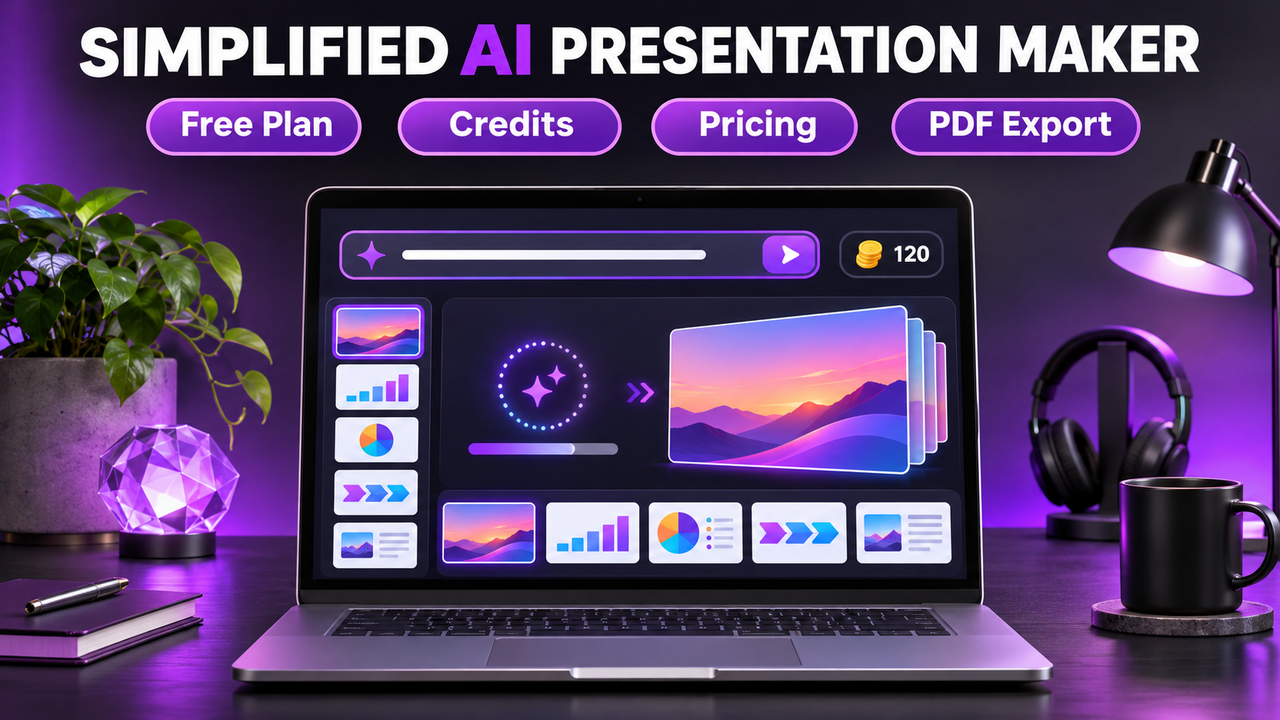
Simplified AI Presentation Maker: Free Plan, Pricing and How It Works
Simplified's AI presentation maker turns a one-line brief into a finished slide deck, and Simplified says you can start on a free, credit-based plan with no credit card. The part to watch is the paperwork around it. Simplified's own pages currently disagree on what the paid plans cost, and the export list on the presentation page names PDF, HTML, PNG and ZIP but not PowerPoint (PPTX).
Everything below was checked on 20 October 2026 against Simplified's presentation page, its pricing page and a few independent sources, which are named where used.
What the Simplified AI presentation maker is
Simplified is an all-in-one AI content app. It started out as a design and social media tool, and the presentation maker is one feature inside it. In 2026 Simplified rebuilt the product around an AI agent called Riley, which it introduced as a marketing agent in a July 2026 blog post. The current presentation page puts Riley in charge of decks too: you write a short brief, Riley picks a template, applies your Brand Kit and drafts the slides.
According to the presentation page, a deck comes out at 16:9 (1920x1080), with six slides by default and up to 30 on request. You can also ask for a 5-slide social carousel or a single-slide visual. Simplified lists 10 template categories (pitch deck, editorial, product launch, weekly report, academic, dashboard and others) and 36 colour themes.
This is a prompt-to-deck tool. The presentation page talks about a text brief with a 600-character limit and does not mention uploading a document or PDF. If your starting point is a long report, a document-to-deck tool is a closer fit (see how to turn a document or PDF into slides with AI).
How to use the Simplified AI presentation generator
Based on Simplified's current presentation page, the process looks like this:
- Sign up for a Simplified account. The page says no credit card is needed on the free plan.
- Type a one-line description of the deck into the brief box (up to 600 characters).
- Riley chooses a template, applies your Brand Kit if you have set one up, and drafts the slides. Simplified claims a deck takes about 60 seconds.
- Review the result and ask for changes in the same chat thread, for example "redo slide 4" or "switch to a darker colour theme".
- Export the finished deck.
Simplified's older Academy tutorial (published March 2022, last updated April 2024) describes a more manual route through the AI Designer: pick "AI Presentation", describe your topic in about 20 words, choose a size, creativity level and output language, pick a template, generate, then edit and export. Some accounts may still see that interface, so the menus you get could differ from the steps above.
Is the Simplified AI presentation maker free?
Yes, according to the presentation page. Its FAQ says the free plan is "free forever, credit-based" and that you "pay only for credits consumed, no monthly deck cap, no time limit." The same page says the free plan includes PDF export and 500MB of cloud storage.
What Simplified does not say is how many credits a deck uses or how many credits the free plan gives you. A third-party pricing guide from eesel.ai (January 2026) described the free plan's credits as a one-time allowance that does not refresh each month. We could not confirm that on Simplified's site today, so treat it as unverified.
Credits come up often in user reviews. Several Capterra reviewers list low credit allowances as a downside, and Trustpilot's AI summary of recent reviews mentions "limited free credits".
We also could not find any statement about watermarks on free-plan decks. If a clean, unbranded PDF matters to you, export a test deck before you build anything important.
Simplified pricing: does Simplified cost money?
The free plan exists, but the presentation page and the main pricing page give different answers about paid plans.
| Source (checked 20 October 2026) | What it says |
|---|---|
| Simplified AI presentation maker page | Free plan, credit-based, no credit card. "Paid plans start at $29/mo with no deck cap." |
| Simplified pricing page (simplified.com/pricing) | "Simplified Starter from $79/mo" with 5 campaigns a month. Pro and Business "raise the campaign count and add seats". Extra campaigns cost $10 each. No free plan is described. |
| Simplified pricing page, trial section | The trial includes Starter access: 5 campaigns, 100K AI words and 100 AI designs. Trial length is not stated. |
| CostBench changelog (independent) | Reports that Simplified's top listed price rose from $24/mo to $79/mo on 9 October 2026. |
A few points to take from this:
- The main pricing page is now built around "campaigns" for marketing output (social posts, email sequences, ad sets). It does not explain how presentations count against campaigns or credits.
- Neither page shows a monthly-versus-annual toggle, and Pro and Business prices are not listed.
- Seat pricing is not clear. The pricing page only says higher plans "add seats".
Earlier in 2026, third-party trackers recorded a different structure (Free, Pro, Business and Growth, billed per month or at a discount annually). That structure may still apply to existing accounts, but it is no longer what Simplified's pricing page shows.
Our suggestion: start on the free plan, generate one deck, and check the in-app upgrade screen for the price that applies to you before paying. If you need a firm monthly budget for a team, ask Simplified's sales team in writing what a presentation costs in credits or campaigns.
Export options: PDF yes, PPTX unconfirmed
The presentation page's FAQ answers "What export formats can I download?" with "Export as PDF, HTML, PNG, or ZIP." It adds that PDF is available on every plan, including free.
PowerPoint (PPTX) and Google Slides are not mentioned anywhere on that page. We could not confirm a PPTX export from Simplified's current documentation. That matters if you need to:
- hand an editable file to a colleague who works in PowerPoint
- drop the slides into a company template
- present from Google Slides
A PDF works for emailing a deck to a client or leadership team. It is not easy to edit afterwards. If an editable PowerPoint file is a requirement, look at tools that state PPTX export clearly, such as Gamma (covered in does Gamma export to PowerPoint) or Canva, or at tools that work inside PowerPoint itself, like Microsoft Copilot in PowerPoint.
Simplified AI reviews: what review sites say
We have not tested Simplified ourselves. Here is what three review platforms showed on 20 October 2026. These ratings cover the whole Simplified app (design, video, social and writing), not the presentation maker alone.
| Review site | Rating | Number of reviews |
|---|---|---|
| G2 | 4.6 / 5 | 5,010 |
| Capterra | 4.7 / 5 | 310 |
| Trustpilot | 4.6 / 5 ("Excellent") | 654 |
Trustpilot's AI-generated summary of recent reviews says people like the interface and the time saved on captions, videos and content, and that some complain about AI output that misses the prompt, a slow site and limited free credits. Trustpilot also notes that Simplified has not recently invited customers to leave reviews and has not replied to negative ones.
Is Simplified good for presentations?
It depends on what you need the deck for.
Simplified is a reasonable fit if you:
- already use Simplified for social posts, design or video and want decks in the same place
- care about keeping every slide on brand through a Brand Kit
- mostly share decks as PDFs (client proposals, internal updates, investor PDFs)
- want to start free and only pay if you use it regularly
Look elsewhere if you:
- need an editable PowerPoint or Google Slides file
- want to build a deck from an existing document or PDF
- need a predictable price before you start (Simplified's own pages currently conflict)
Simplified vs alternatives
| If you need... | Consider | Why |
|---|---|---|
| A prompt-to-deck tool with PowerPoint export | Gamma | Generates decks, documents and web pages from a prompt and exports to PPTX and PDF |
| A broad design suite with presentations | Canva | Templates, a large asset library and PPTX export, with AI features on top |
| AI help inside PowerPoint or Google Slides | Plus AI | Works as an add-in, so slides stay in your existing files |
| A simple AI deck builder for pitches and sales | Decktopus | Generates a deck from a short prompt and focuses on presentation use cases |
If you are comparing more broadly, how to choose an AI presentation tool walks through the main decision points, and best free AI presentation tools covers free plans side by side.
FAQ
Is Simplified's AI presentation maker free? Simplified's presentation page says there is a free plan that is "free forever, credit-based" with PDF export and no credit card required. It does not state how many credits you get or how many decks that covers.
Does Simplified have a free trial? The pricing page describes a trial with Starter access (5 campaigns, 100K AI words and 100 AI designs). The trial length is not listed.
How much does Simplified cost? It is unclear right now. The presentation page says paid plans start at $29/mo, while the main pricing page lists Starter from $79/mo. Check the price in your account before upgrading.
Can Simplified export to PowerPoint? We could not confirm it. The presentation page lists PDF, HTML, PNG and ZIP exports and does not mention PPTX or Google Slides.
Can Simplified make a presentation from a PDF or document? The current presentation page only describes a text brief of up to 600 characters. Document upload is not mentioned.
Next step
If you mainly need on-brand PDF decks and already use Simplified for other content, the free plan is a low-risk way to try it. Read the full Simplified listing for features and limits, or browse other AI presentation makers if PowerPoint export is a must.
Listings related to Simplified AI Presentation Maker: Free Plan, Pricing and How It Works

Simplified
All-in-one AI content and design platform — presentations alongside social graphics, video, documents and copy, with a shared brand kit.

Gamma
An AI presentation maker that turns a prompt or a pasted document into a finished-looking deck in about a minute. A standalone web app — great free plan for on-screen decks, but clean PowerPoint export and branding are paid.
Canva
The presentation side of Canva's all-in-one design suite, with Magic Studio AI turning a prompt or document into an editable, template-based deck. Easiest on-ramp, generous free tier, editable PowerPoint in and out — but a generalist, not a specialist.

Plus AI
An AI add-in that generates and edits presentations natively inside Google Slides and PowerPoint — no separate app, no export step. Strong at improving existing decks, not just making new ones. Trial only, no free plan.
Decktopus
A guided, opinionated AI deck builder for non-designers that generates the slides plus delivery extras — speaker notes, audience Q&A, lead-capture forms, voiceover and hosting. Cheap entry point; no true free plan.
Microsoft Copilot for PowerPoint
Microsoft's AI built directly into PowerPoint — builds decks from a prompt, a Word doc or a PDF, all as native editable .pptx. Unmatched integration with your real files; no free tier, requires a paid Microsoft 365 + Copilot licence.