
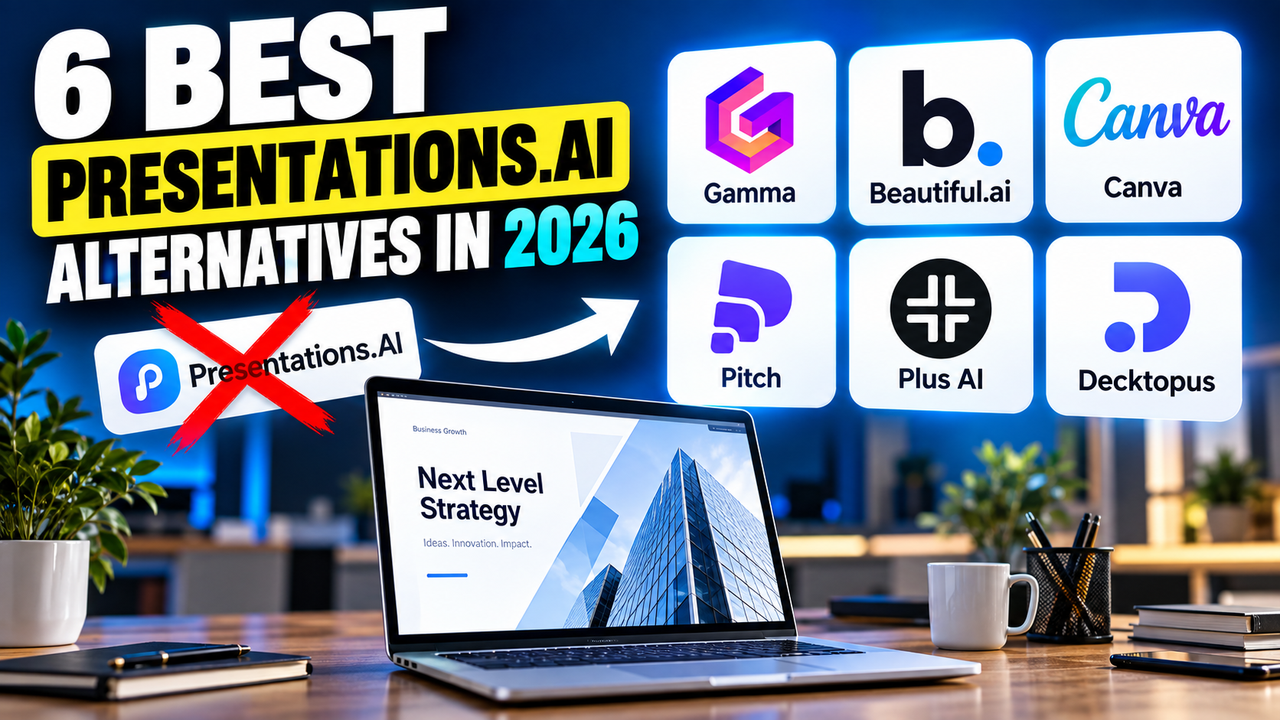
Presentations.AI Alternatives: 6 Best Options in 2026
Presentations.AI markets itself as "ChatGPT for presentations" — describe a topic or upload a document and it generates a designed deck. It's genuinely capable, especially for business slides built from existing material. But two things send people looking for an alternative: the free plan can't export to PowerPoint (you only get a watermarked PDF or a share link), and once a deck is generated, reworking its structure or adding new slides is fiddly. If either of those is a dealbreaker, here are the best alternatives: Gamma, Beautiful.ai, Canva, Pitch, Plus AI and Decktopus.
Here's why you might switch, a quick comparison, and who each one suits.
Why look for a Presentations.AI alternative?
- No PowerPoint export on the free plan. You can build a deck for free, but downloading an editable
.pptxneeds a paid plan — free export is a watermarked PDF or a link. If you need a real file without paying, that's a problem. - Editing after generation is limited. It's strong at the first draft, but restructuring the deck or slotting in new slides afterwards is more awkward than in a flexible editor.
- Pricing starts higher. Pro is around $20/month billed annually — fine, but several alternatives are cheaper or have better free tiers.
- You may want a different strength — deeper design control, team collaboration, or AI that works inside the tools you already use.
Presentations.AI is a solid tool; these are simply the gaps that push people to look around.
Presentations.AI alternatives compared
| Tool | Does better than Presentations.AI | Free option | From | PowerPoint | Google Slides |
|---|---|---|---|---|---|
| Gamma | Free PPTX-capable tier + faster editing | Yes (400 one-time credits) | ~$8–10/mo | Export | Native export |
| Beautiful.ai | Design consistency + unlimited AI | No — 14-day trial | $12/mo (annual) | Import + export | No native |
| Canva | Design range + big free library | Yes (200 lifetime credits) | $15/mo | Export | Via import |
| Pitch | Team collaboration + analytics | Yes (~5 members) | ~$20/user/mo | Export | No native |
| Plus AI | AI inside PowerPoint / Google Slides | No — 7-day trial | ~$10–15/mo | Native (add-in) | Native (add-in) |
| Decktopus | Cheaper + presenter coaching | Yes (limited) | ~$10–15/mo | Export | No native |
Prices are entry-level and change often — verify on each site. Figures verified September 2026.
Gamma — the closest like-for-like
Gamma is the most direct swap: it's also a fast, prompt-to-deck AI maker, but it fixes Presentations.AI's two big annoyances. Its free plan lets you generate and download (400 one-time credits; free decks carry a small badge), and its card-based editor makes restructuring and restyling quick rather than fiddly. It also exports natively to Google Slides. Paid plans start around $8–10/user/month.
Best if: you like the prompt-to-deck approach but want a free download and easier editing. See the Gamma listing, or compare Gamma against the other big name in Gamma vs Canva.
Beautiful.ai — for consistent business decks
If your Presentations.AI decks feel generic, Beautiful.ai trades some AI-generation flexibility for guaranteed design consistency: its Smart Slides auto-arrange as you add content, so business decks always look tidy. Every paid plan includes unlimited AI with no credit counting. There's no free plan (a 14-day trial), Pro is $12/month billed annually, and it imports and exports PowerPoint.
Best if: polish and consistency matter more than raw generation speed. See the Beautiful.ai listing.
Canva — for design range and a real free tier
Canva gives you far more design control than Presentations.AI, plus the largest asset library anywhere and a genuinely usable free plan. Its Magic Design drafts a themed deck; you then shape it with photos, icons and graphics. The catch is the reverse of Presentations.AI's — you get more control but do more of the design work yourself. Canva Pro is $15/month or $120/year.
Best if: you want creative freedom and a free way in. See the Canva listing.
Pitch — for teams and engagement tracking
Presentations.AI is built for solo generation; Pitch is built for teams. Real-time co-editing, a shared brand library, and analytics that show who opened your deck and which slides they viewed — useful for sales and fundraising. Its free plan covers up to about 5 members and unlimited decks (100 one-time AI credits), with paid plans from around $20/user/month.
Best if: a team builds decks together and you want to track them. See the Pitch listing.
Plus AI — if you'd rather stay in PowerPoint or Google Slides
Rather than another standalone platform, Plus AI is an add-in that generates and edits decks inside PowerPoint and Google Slides — no export step, and it can update decks you already have. There's no free plan (a 7-day trial), it starts around $10–15/user/month, and it's SOC 2 Type II certified.
Best if: you don't want to leave the tools you already use. See the Plus AI listing and the best AI add-ins for PowerPoint and Google Slides.
Decktopus — for a cheaper option with coaching
Decktopus is the budget pick: it builds a branded deck from a prompt or a PDF and adds an AI Presenter Coach that predicts audience questions before you present. It has a limited free tier, paid plans from around $10–15/month, and 50% off for students — generally cheaper than Presentations.AI's Pro.
Best if: you want an affordable maker with delivery help. See the Decktopus listing.
Which Presentations.AI alternative should you pick?
- Same approach, but free download + easier editing → Gamma
- Consistent business decks → Beautiful.ai
- Design freedom and a free tier → Canva
- Team collaboration → Pitch
- AI inside PowerPoint or Google Slides → Plus AI
- Cheapest, with coaching → Decktopus
Since Presentations.AI shines at turning documents into decks, it's worth reading how to turn a document or PDF into slides with AI and, if editable output is your concern, can AI create a PowerPoint presentation? Still deciding? How to choose an AI presentation tool.
FAQ
What is the best Presentations.AI alternative? Gamma, for most people — a similar prompt-to-deck tool that lets you download on the free plan and edits more easily.
Does Presentations.AI export to PowerPoint for free? No — free export is a watermarked PDF or a share link; editable PowerPoint export needs a paid plan. Gamma's free plan, by contrast, can export.
Is there a cheaper alternative to Presentations.AI? Yes — Gamma ($8–10/mo) and Decktopus ($10–15/mo) are cheaper than its ~$20/mo Pro, and both have free tiers.
Which alternative is best for teams? Pitch, for its real-time collaboration and deck analytics. See best AI tools for building a pitch deck if you're building investor or sales decks.
Listings related to Presentations.AI Alternatives: 6 Best Options in 2026

Gamma
An AI presentation maker that turns a prompt or a pasted document into a finished-looking deck in about a minute. A standalone web app — great free plan for on-screen decks, but clean PowerPoint export and branding are paid.

Beautiful.ai
A standalone AI presentation app built on rule-based smart templates that auto-format every slide. Built for business teams who want on-brand, consistent decks without manual design — no free plan, editable PowerPoint export on every paid tier.
Canva
The presentation side of Canva's all-in-one design suite, with Magic Studio AI turning a prompt or document into an editable, template-based deck. Easiest on-ramp, generous free tier, editable PowerPoint in and out — but a generalist, not a specialist.
Pitch
A collaborative AI presentation tool that has grown into a "complete pitching platform" — shared teamspaces, AI deck generation, and trackable Pitch Rooms with engagement analytics. Built for sales and go-to-market teams, not solo one-off decks.

Plus AI
An AI add-in that generates and edits presentations natively inside Google Slides and PowerPoint — no separate app, no export step. Strong at improving existing decks, not just making new ones. Trial only, no free plan.
Decktopus
A guided, opinionated AI deck builder for non-designers that generates the slides plus delivery extras — speaker notes, audience Q&A, lead-capture forms, voiceover and hosting. Cheap entry point; no true free plan.