
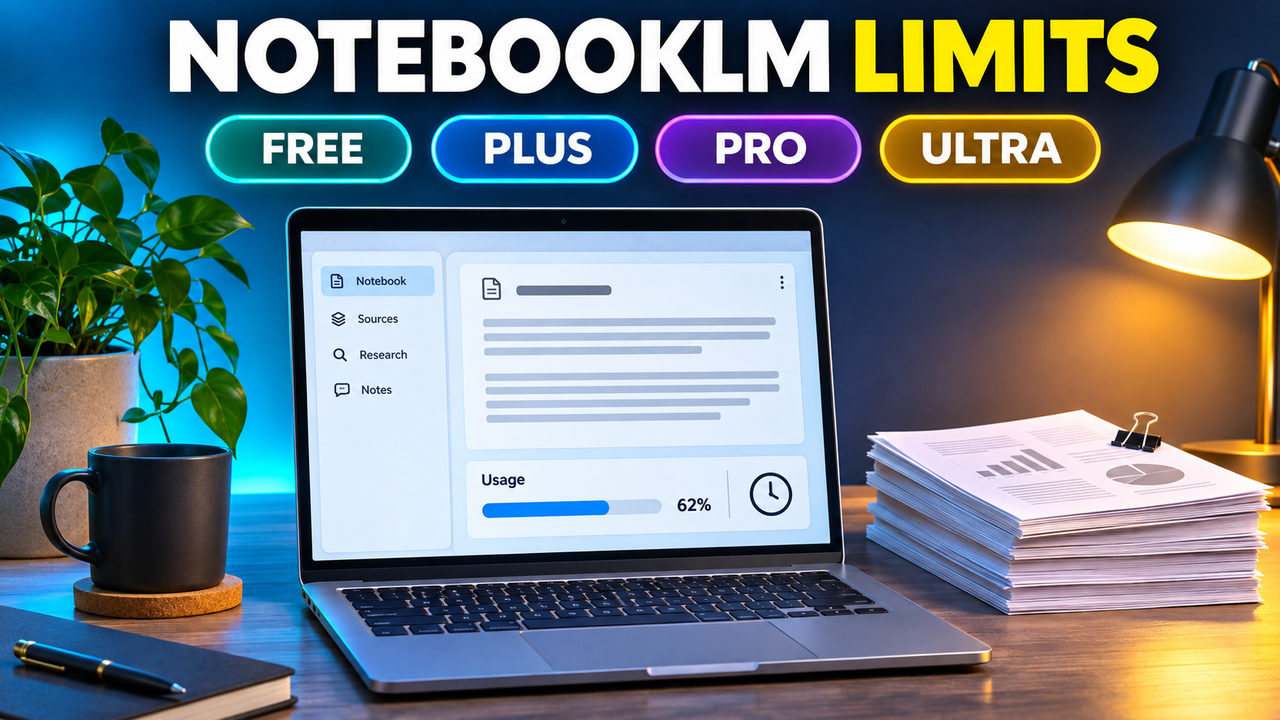
NotebookLM Limits: Free vs Google AI Plus, Pro and Ultra (Including Slide Decks)
NotebookLM (now called Gemini Notebook) no longer gives you a fixed number of chats, Audio Overviews or slide decks per day. Since 2 September 2026, consumer accounts run on a compute-based allowance that refreshes every 5 hours until you hit a weekly cap, and Google AI Pro gives you four times the free allowance. The hard numbers Google still publishes are for notebooks and sources: Pro gets 500 notebooks and 300 sources per notebook, against 100 and 50 on the free plan.
Everything below was checked on 20 October 2026 against Google's own help pages for NotebookLM. Google labels these limits "subject to change", so check again before you pay for an upgrade.
First, a note on the name
Google renamed NotebookLM to Gemini Notebook on 16 July 2026. Google's announcement says it is the same standalone product with the same notebooks. The help centre, the upgrade page and the Google AI plan pages now all say "Gemini Notebook". Most people still search for "NotebookLM limits", so this article uses both names.
NotebookLM limits by plan
| Free (Standard) | Google AI Plus | Google AI Pro | Google AI Ultra (20 TB) | Google AI Ultra (30 TB) | |
|---|---|---|---|---|---|
| US price (per month) | $0 | $4.99 | $19.99 | $99.99 | $199.99 |
| Usage allowance (chats, Studio outputs incl. slide decks) | Standard | 2x standard | 4x standard | 5x Pro | 20x Pro |
| Notebooks | 100 | 200 | 500 | 500 | 500 |
| Sources per notebook | 50 | 100 | 300 | 500 | 600 |
| Max size per source | 500,000 words or 200 MB | Same | Same | Same | Same |
| Watermark removal | No | No | Yes | Yes | Yes |
| Model access | Standard | Standard | Higher | Highest | Highest |
A few notes on the table:
- The usage multipliers come from Google's "Manage your Gemini Notebook usage limits" help page. Google does not publish what the standard allowance is in absolute terms, so no one can tell you exactly how many slide decks a plan buys.
- For Ultra, "5x or 20x higher than AI Pro" works out to roughly 20x and 80x the free allowance. Google's plan page labels the two tiers "Ultra 5x" (20 TB storage) and "Ultra 20x" (30 TB).
- Google's plan page did not display prices when we checked it, so the US prices above come from news coverage of Google's 2026 price changes: Plus fell from $7.99 to $4.99 in June, and Ultra went from $249.99 to two tiers starting at $99.99 in May. Prices vary by country and Google often runs introductory offers.
- Google lists watermark removal for Pro and Ultra only. Users in India, South Korea and Vietnam still get a visible watermark on every plan.
How the new usage limits work
Google moved Gemini Notebook to compute-based limits on 2 September 2026, the same model the Gemini app adopted in May. In practice:
- Everything draws on one allowance. Chat questions, Audio Overviews, Video Overviews, infographics, reports and slide decks all count against the same budget. Google says the cost depends on how complex your prompt is, the model and features you use, how long the chat is, and how many sources the notebook has.
- Heavier outputs cost more. Google doesn't publish per-feature costs, but its own announcement singles out Video Overviews and Slide Decks as the outputs you may need to defer, and coverage of the change describes them as among the most expensive.
- You can see the cost before you generate. In the Studio panel, a bar at the bottom shows the expected usage cost of each generation. Your remaining usage is under Settings > Usage.
- If you run out, the web version has a "Generate later" option that queues an output such as a slide deck. It runs automatically once your allowance refreshes, which Google says "may take a couple hours". This option is not in the mobile app yet.
When do NotebookLM limits reset?
Your allowance refreshes every 5 hours until you reach your weekly limit. Google does not say how large the weekly limit is or when the week starts. The chat shows the exact reset time when you get close (for example, "Limit resets at 3:00 PM").
The older upgrade page also says daily quotas reset after 24 hours and monthly quotas after 30 days. That wording still applies to plans that use fixed quotas, which may include some work and school accounts. Google says the 5-hour model is rolling out to consumer accounts.
NotebookLM slides limit: how many decks can you make?
There is no fixed number any more. Before September, help pages and blogs listed daily caps per feature. Those figures are out of date for personal accounts, but many third-party pages still repeat them.
What you can say with confidence:
- A free account can generate slide decks, but each deck uses a noticeable share of the allowance, especially in a notebook with many sources.
- Pro gives you four times the free budget, so for the same notebook you can expect roughly four times as many decks or revisions before you have to wait.
- Revising a deck (Google added prompt-based slide revisions in February 2026) also draws on your allowance, because it regenerates the deck.
If you make the odd deck each week, the free plan is likely enough, and "Generate later" covers the occasions you run out. If you build decks every day from large source sets, the 5-hour refresh on the free plan will slow you down.
What you get from a NotebookLM slide deck
The limits only matter if the output fits your workflow, and this is where NotebookLM differs from dedicated presentation tools.
- Export: since February 2026 you can download slide decks as PDF or PPTX. When Google added PPTX, it said Google Slides export was "coming next", but we could not confirm it has shipped.
- Editability: Google does not document what is inside the PPTX file. Third-party write-ups disagree: some say each slide is saved as a full image, others say titles and bullets are editable while charts, tables and some text are flattened images. Either way, expect to rework the file in PowerPoint before it is fully editable.
- Editing inside NotebookLM: you change a deck by prompting a revision ("make slide 3 a comparison"), not by moving text boxes yourself.
- Watermark: on the free and Plus plans, outputs carry a watermark. Removal starts at Pro.
That makes NotebookLM strongest as a document-to-deck tool for research-heavy material: you load reports, PDFs and notes, and it builds slides grounded in those sources. It is weaker if you need on-brand, fully editable slides.
Is upgrading worth it for presentations?
Stay on the free plan if you make occasional decks, can live with a watermark, and plan to rebuild the slides in PowerPoint or Google Slides anyway. The 50-source cap and 500,000-word sources are generous for most single projects.
Google AI Plus ($4.99) makes sense if you hit the free allowance regularly or need up to 100 sources in a notebook. It doubles your usage but keeps the watermark.
Google AI Pro ($19.99) is the realistic choice for heavy presentation work. You get four times the free allowance, 300 sources per notebook, watermark-free outputs and better models. The subscription also covers the Gemini app and 5 TB of storage, so it is easier to justify if you already use those.
Ultra ($99.99 and up) is hard to justify for slides alone. It mainly suits people who use NotebookLM and other Gemini features all day.
Consider a different tool if your real problem is editability, design control or brand templates. Gamma builds decks from a prompt or pasted document and exports to PowerPoint and Google Slides (see does Gamma export to PowerPoint for what carries over), and our NotebookLM vs Gamma comparison covers the trade-offs in detail. SlideSpeak focuses on turning documents and PDFs into PowerPoint files. If you mainly work inside Google Slides, an add-in such as Plus AI produces native, editable slides. Our guide to turning a document or PDF into slides with AI compares these workflows, and the best free AI presentation tools covers what you get without paying.
You can also combine the two: NotebookLM to understand the sources and draft the storyline, then a presentation tool to build the final deck.
FAQ
What are the NotebookLM limits on the free plan?
100 notebooks, 50 sources per notebook, and up to 500,000 words or 200 MB per source. Chats and Studio outputs (including slide decks) share a standard usage allowance that refreshes every 5 hours, up to a weekly limit Google does not disclose.
What are the Google AI Pro NotebookLM limits?
500 notebooks, 300 sources per notebook, and a usage allowance four times the free one. Pro also removes the watermark from outputs (except in India, South Korea and Vietnam).
What are the Google AI Plus and Ultra NotebookLM limits?
Plus: 200 notebooks, 100 sources per notebook and twice the free allowance. Ultra: 500 notebooks, 500 or 600 sources per notebook depending on tier, and either 5x or 20x the Pro allowance.
Does NotebookLM still have "50 chats a day"?
Not on personal accounts. The fixed daily counts were replaced on 2 September 2026. Pages that still quote them are describing the old system.
Do automatically generated outputs count?
No. Google says that if a report, slide deck or overview is created automatically when you first add sources, it does not count toward your limits.
Next step
If NotebookLM's research-first approach suits you, read our NotebookLM listing for features and alternatives. If you want polished, editable slides more than source-grounded summaries, browse the AI presentation makers category.
Listings related to NotebookLM Limits: Free vs Google AI Plus, Pro and Ultra (Including Slide Decks)
NotebookLM
Google's AI research tool — grounded strictly in the sources you upload — that also generates slide decks and audio/video overviews. A useful outlier: free and accurate, but its PowerPoint export is image-based, not editable.
Gamma
An AI presentation maker that turns a prompt or a pasted document into a finished-looking deck in about a minute. A standalone web app — great free plan for on-screen decks, but clean PowerPoint export and branding are paid.
SlideSpeak
SlideSpeak is a standalone AI presentation maker that turns documents, PDFs, existing slides or a plain topic into a native, editable PowerPoint deck, with an AI assistant you can chat to about your source file

Plus AI
An AI add-in that generates and edits presentations natively inside Google Slides and PowerPoint — no separate app, no export step. Strong at improving existing decks, not just making new ones. Trial only, no free plan.