
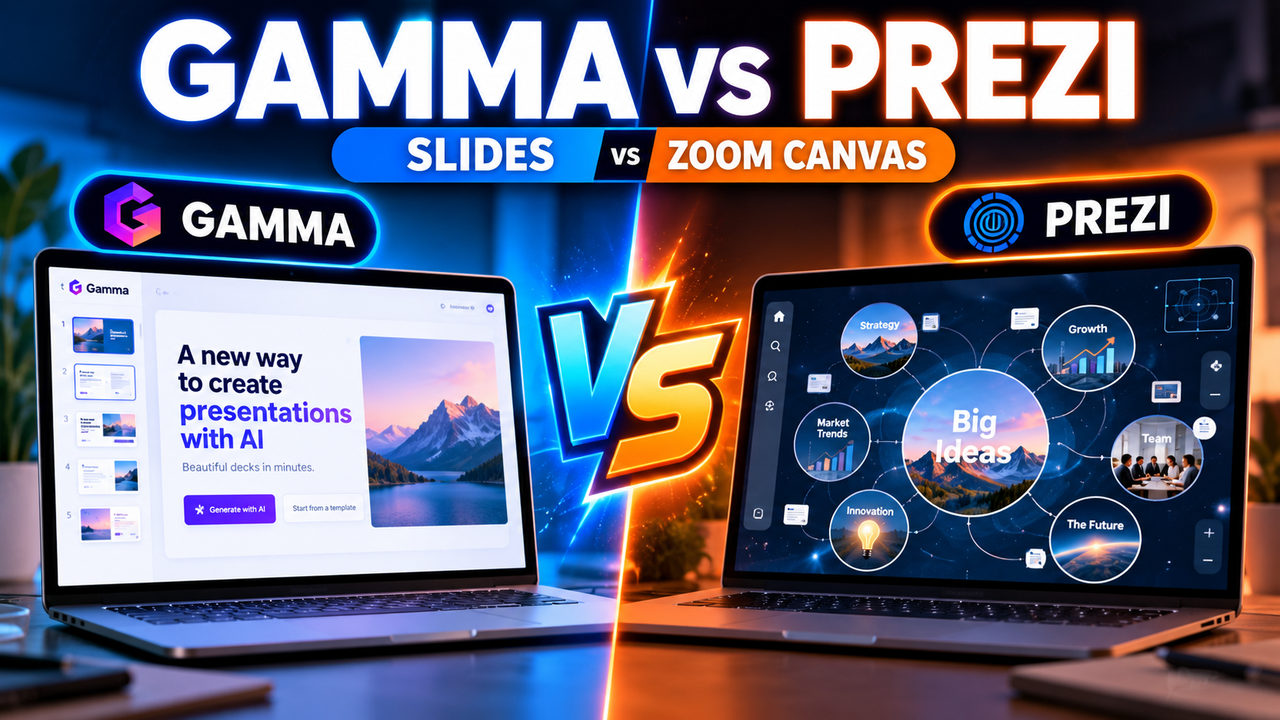
Gamma vs Prezi: Two Different Ideas About Presentations
Most "AI presentation tool vs tool" comparisons pit two versions of the same thing against each other. Gamma vs Prezi isn't like that. These two tools disagree at a deeper level — about what a presentation should even be. One builds beautiful, modern slide decks with AI. The other throws out slides entirely in favour of a zooming, cinematic canvas. Deciding between them is less about features and more about which format fits how you present.
So instead of pretending they're interchangeable, this comparison is organised around that core split — and then the practical details that follow from it.
The fundamental difference
Gamma is a modern AI deck maker. You give it a prompt or a document, and it generates polished, card-based slides you can edit, restyle and export. It's linear in the familiar way — one slide (or "card") after another — but the design is contemporary and the AI does most of the heavy lifting. Think of it as the AI-native answer to PowerPoint and Google Slides.
Prezi is a non-linear, zoom-based presentation tool. Rather than a stack of slides, you build one large spatial canvas, and presenting means zooming and panning between areas of it. It pioneered this "conversational," map-like style, and it's genuinely different to watch — the camera moves through your ideas instead of cutting between slides. Prezi has added AI to help generate and structure content, but the zoom canvas is still its identity.
Everything else — pricing, export, AI depth — flows from this. If the zoom format excites you, keep reading with Prezi in mind. If you just want great slides fast, Gamma is probably already the answer.
Head-to-head comparison
| Gamma | Prezi | |
|---|---|---|
| Format | Modern card/slide decks (linear) | Zooming spatial canvas (non-linear) |
| AI generation | Core strength — prompt/doc → full deck | Prezi AI assists; format is the focus |
| Free plan | Yes — 400 one-time credits, badge | Yes — but all decks are public |
| Entry paid plan | Plus, ~$9/mo (annual) | Standard, ~$7/user/mo (annual) |
| Higher tiers | Pro ~$18/mo; Ultra ~$90/mo | Plus ~$19/mo; Premium ~$29/mo |
| PowerPoint export | Yes (all plans) | No — Prezi decks aren't PPTX-compatible |
| PowerPoint import | Yes | Plus plan and up (converter) |
| Google Slides export | Yes | No |
| Learning curve | Low | Medium — the canvas takes practice |
| Best for | Fast, polished, portable decks | Memorable, dynamic live talks |
Pricing and features change often — confirm current figures before committing.
Where Gamma wins
AI generation is the main event. Gamma is built around turning a prompt or a pasted document into a finished, good-looking deck with almost no effort. Its themes are modern, and output usually needs little cleanup. If your priority is getting from idea to presentable deck quickly, Gamma is hard to beat.
It plays nicely with everything else. Gamma exports to PowerPoint, PDF, PNG and Google Slides on every plan, including free. That portability matters — you can generate in Gamma and finish in PowerPoint, or hand a PPTX to a colleague. Prezi can't do this (more below), so if a normal file is the end goal, see can AI create a PowerPoint presentation.
Lower learning curve. Because it's slide-based, anyone who has used PowerPoint or Google Slides is immediately at home. There's nothing new to learn about navigating the format — the AI just makes building faster.
Cleaner free export. Gamma's free plan keeps full export (with a "Made with Gamma" badge). Prezi's free plan makes every presentation public with no privacy controls — a genuine problem for anything work-related.
Where Prezi wins
The format is the feature. For the right talk, Prezi's zoom canvas is genuinely more memorable than a slide deck. Panning across a big-picture map and zooming into details mirrors how you'd explain something on a whiteboard, and audiences notice. For keynotes, teaching, storytelling and sales talks where engagement is the goal, this is a real edge no slide tool replicates.
It's built for live presenting. Prezi's whole design assumes a presenter guiding an audience through ideas spatially. If you present live and want to stand out — rather than emailing a deck people read alone — the dynamic movement works in your favour.
Affordable entry. Prezi's Standard plan starts around $7/user/month (billed annually), a touch below Gamma's Plus. Standard includes 500 Prezi AI credits; Plus and Premium unlock unlimited AI.
Established and cross-product. Prezi also spans Prezi Video (present alongside your webcam) and Prezi Design, which can be useful if you want more than decks.
The export catch you must understand
This deserves its own flag because it trips people up. Prezi does not export to PowerPoint. Its presentations are fundamentally incompatible with the PPTX format — the zoom canvas doesn't translate into slides. Prezi added a "PowerPoint Converter" on the Plus plan and up, but that's for importing your old PowerPoint content into Prezi, not for getting a PowerPoint file out.
Practically, that means a Prezi presentation mostly lives inside Prezi. You present it from Prezi (online or via its app) or share a link. If your organisation standardises on PowerPoint or Google Slides, or you need to hand over an editable file, this is a dealbreaker — and Gamma, which exports cleanly to both, is the obvious pick.
Gamma imports PowerPoint and exports to PowerPoint and Google Slides, so it fits into existing workflows without friction.
Which should you choose?
Choose Gamma if:
- You want AI to generate a polished deck from a prompt or document, fast.
- You need to export to PowerPoint, PDF or Google Slides.
- You want a low learning curve and a familiar slide flow.
- Privacy on the free plan matters to you.
Choose Prezi if:
- You present live and want a dynamic, memorable format that isn't "just slides."
- Your content suits a big-picture-then-zoom-in narrative (teaching, storytelling, sales).
- You're willing to invest a little time learning the canvas.
- You don't need a PowerPoint file at the end.
The bottom line
Gamma and Prezi solve different problems. Gamma is the stronger, more flexible AI deck maker — better generation, cleaner export, lower learning curve, and it fits the PowerPoint/Google Slides world everyone already lives in. Prezi is a format choice: pick it because you specifically want the zooming, non-linear canvas and the live-presenting impact it creates, and you're happy for those presentations to stay inside Prezi.
For most people who just want great slides with less work, Gamma is the safer default. Prezi is the deliberate, stylistic choice for presenters who want to move differently. If you're weighing more options, our guide on how to choose an AI presentation tool and the best free AI presentation tools will help you place both in the wider field — and it's worth glancing at Canva and Beautiful.ai too.
Frequently asked questions
What's the main difference between Gamma and Prezi? Gamma makes modern, AI-generated slide decks you can export anywhere. Prezi uses a non-linear zoom canvas instead of slides, aimed at dynamic live presenting.
Can Prezi export to PowerPoint? No. Prezi presentations aren't compatible with PowerPoint. It can import PowerPoint content (Plus plan and up) but can't produce a PPTX file. Gamma exports to PowerPoint on all plans.
Which has better AI? Gamma's AI generation is more central and does more of the deck-building for you. Prezi's AI assists, but its focus is the zoom format rather than end-to-end generation.
Is Prezi's free plan usable? It's usable for testing, but every presentation is public with no privacy controls, which rules it out for confidential work. Gamma's free plan keeps export and privacy (with a badge).
Which is cheaper?
Prezi Standard ($7/user/mo annual) is slightly cheaper than Gamma Plus ($9/mo). Compare on features and format, not just price.
Prices and features were checked in September 2026 and change frequently — confirm on the official sites before subscribing.
Listings related to Gamma vs Prezi: Two Different Ideas About Presentations

Gamma
An AI presentation maker that turns a prompt or a pasted document into a finished-looking deck in about a minute. A standalone web app — great free plan for on-screen decks, but clean PowerPoint export and branding are paid.

Prezi
Presentation software built on a zooming, non-linear canvas instead of a slide stack, now with Prezi AI generation and Prezi Video. Distinctive and memorable for live talks — but its PowerPoint export is static, not editable.

Canva
The presentation side of Canva's all-in-one design suite, with Magic Studio AI turning a prompt or document into an editable, template-based deck. Easiest on-ramp, generous free tier, editable PowerPoint in and out — but a generalist, not a specialist.

Beautiful.ai
A standalone AI presentation app built on rule-based smart templates that auto-format every slide. Built for business teams who want on-brand, consistent decks without manual design — no free plan, editable PowerPoint export on every paid tier.