
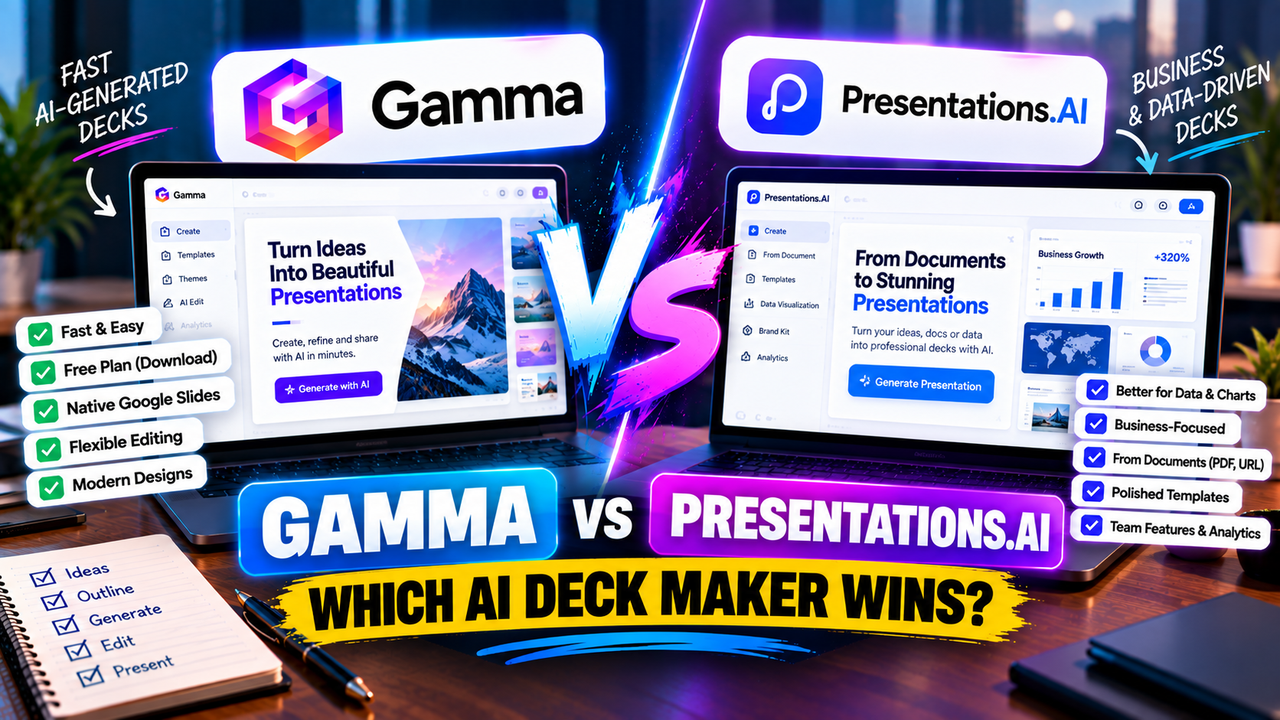
Gamma vs Presentations.AI: Which AI Deck Maker Wins?
Gamma vs Presentations.AI: Which AI Deck Maker Wins? (2026)
Gamma and Presentations.AI are close cousins — both take a prompt or a document and hand you back a designed deck in minutes. So the choice is less about "which is AI-powered" (both are) and more about two practical things: what you get for free, and how easily you can edit the result afterwards. On both counts they pull in different directions.
Gamma is the faster, more flexible one, and its free plan actually lets you download your deck. Presentations.AI leans harder into business and data-heavy slides and has a big user base, but its free plan won't export a PowerPoint, and reshaping a deck after it's generated is stiffer. Here's the full picture.
The short answer
Pick Gamma if you want speed, easy editing, and a free plan you can actually download from — plus native Google Slides. Pick Presentations.AI if you mostly build business or data-driven decks from existing documents and don't mind paying to export. Try both free first; just know the free tiers behave very differently.
Gamma vs Presentations.AI at a glance
| Feature | Gamma | Presentations.AI |
|---|---|---|
| What it is | AI generator: prompt/doc → editable deck | "ChatGPT for presentations" — prompt/doc → deck |
| Best for | Fast, flexible decks, online sharing | Business/data decks from a prompt or document |
| How you start | Prompt, outline, paste, import PDF/PPTX | Prompt, document, PDF, URL |
| AI approach | Generates a full deck; easy to restyle | Generates a designed deck with data viz |
| Free option | Free plan (can download) | Free Starter (no PPTX export) |
| Free limits | 400 one-time credits, "Made with Gamma" badge | ~200 credits, ≤20 slides, watermarked PDF/link only |
| Paid entry | Plus ~$8–10/user/mo | Pro ~$20/mo (billed annually) |
| Higher tiers | Pro ~$18–20; Team/Business | Team/Enterprise above Pro |
| AI usage model | Credit-metered allowance | Credit-metered (~5 credits/slide) |
| Editing model | Flexible cards; quick restyle | Designed deck; restructuring/adding slides is limited |
| Templates / design | Themes + one-click restyle | Templates + auto-design |
| Data & charts | Basic | Stronger data visualizations |
| Asset library | Modest; AI images | Stock + AI images |
| PowerPoint export | Export (.pptx), on free too | Export (.pptx) — paid only |
| Google Slides export | Yes (native) | Yes (paid) |
| PDF / other export | PDF, PNG | PDF, HTML, MP4 |
| Collaboration | Workspace sharing | Sharing + collaboration |
| Analytics | Yes (Pro) | Yes (Pro) |
| User base | Large | 12M+ users (reported) |
| Differentiator | Speed + flexibility + free download + Google Slides | Business/data focus; document-to-deck |
| Learning curve | Low | Low |
Prices are entry-level and change often — verify on each site. Figures verified September 2026.
How each one works
Both start the same way — you type a prompt or feed in a document, and the AI drafts a whole deck. The difference shows up right after that.
Gamma builds "cards" (scrollable slides) and makes it very easy to change your mind: restyle the whole deck in a click, rewrite a section, reorder things, swap images. It's built for iterating fast.
Presentations.AI produces a polished, designed deck and is especially good at data — charts and visualizations look sharper out of the box. The trade-off is flexibility: once the deck exists, restructuring it or adding new slides is more awkward than in Gamma, so it rewards getting your prompt and source material right up front.
So Gamma is the better sketchpad; Presentations.AI is the better first-pass on a data-heavy business deck.
Design and output
Gamma's decks look clean and modern and are quick to make your own, though the reflowable card format can need a little tidying if you want a strict slide-by-slide file.
Presentations.AI puts more weight on business polish and data presentation, and its templates lean corporate. If your deck is numbers-heavy — a report, a board update, a sales deck with metrics — that focus helps. For lighter, more visual or casual decks, Gamma's flexibility feels less constrained.
The free plans — where they really differ
This is the single biggest practical gap.
Gamma's free plan gives you 400 one-time AI credits (about eight decks), and crucially you can download your work — as PowerPoint, PDF, or into Google Slides — with just a small "Made with Gamma" badge on shared decks.
Presentations.AI's free Starter plan lets you create (around 200 credits, up to 20 slides) but you can't export a PowerPoint — free output is a watermarked PDF or a share link. So if your goal is a real, editable file without paying, Gamma's free plan does it and Presentations.AI's doesn't. That one difference decides it for a lot of people.
Pricing
Gamma's paid plans start at Plus, roughly $8–10 per user per month (annual), lifting your monthly credit allowance to around 1,000 and removing the badge; Pro (about $18–20) adds more credits, branding and analytics.
Presentations.AI's Pro is around $20/month billed annually, which unlocks PowerPoint export, 5,000 credits and analytics. Both meter AI by credits — Presentations.AI roughly costs credits per slide — so heavy generation draws down either plan.
Bottom line on cost: Gamma is cheaper to enter and free to download from; Presentations.AI costs more before you can export, but bundles stronger data features.
PowerPoint and Google Slides
Both can end up in PowerPoint and Google Slides — with a catch on timing. Gamma exports to PowerPoint, PDF and natively to Google Slides on any plan, free included. Presentations.AI exports to PowerPoint, Google Slides, PDF, HTML and video too, but the PowerPoint (and clean export generally) is a paid feature. As always with tools that rebuild slides as .pptx, expect a small cleanup pass in either.
Choose Gamma if…
- You want to download a real, editable deck on the free plan.
- You iterate a lot and want fast restyling and reordering.
- You work in Google Slides and want a native export.
Choose Presentations.AI if…
- Your decks are business- or data-heavy and built from documents.
- You want stronger charts and a more corporate look out of the box.
- You're happy to pay to export and won't be restructuring decks much after generation.
Can you use both?
You can, though most people settle on one. A reasonable split is Presentations.AI for a polished, data-driven business deck built from a report, and Gamma for quick, flexible decks you'll iterate and share online. Both export PowerPoint (Presentations.AI on paid), so a deck can move across with the usual minor formatting fix-ups.
The bottom line
These two are more alike than not, so let the free plan and editing decide. Gamma is faster, more flexible, cheaper to start, downloadable for free, and native to Google Slides — the better all-rounder for most people. Presentations.AI is the stronger pick when your work is genuinely data- and business-heavy and you're happy to pay to export.
Want to see Gamma against its other rivals? Gamma vs Canva and Gamma vs Beautiful.ai cover them. Since Presentations.AI is a document-to-deck tool, how to turn a document or PDF into slides with AI is worth a read, and if editable export is your worry, so is can AI create a PowerPoint presentation? Still deciding what type of tool you need? How to choose an AI presentation tool.
Pricing and features change often — check each product's site before relying on the details here.
FAQ
Is Gamma or Presentations.AI better? Gamma for most people — it's faster, more flexible, cheaper, and its free plan lets you download. Presentations.AI is stronger for data-heavy business decks built from documents.
Can either make a PowerPoint for free? Gamma yes (free plan exports .pptx). Presentations.AI no — its free plan only gives a watermarked PDF or link; PowerPoint export is paid.
Which handles charts and data better? Presentations.AI — its data visualizations are a genuine strength.
Which is easier to edit after generating? Gamma — its card editor makes restructuring and restyling quick, whereas Presentations.AI is stiffer once a deck is generated.
Listings related to Gamma vs Presentations.AI: Which AI Deck Maker Wins?

Gamma
An AI presentation maker that turns a prompt or a pasted document into a finished-looking deck in about a minute. A standalone web app — great free plan for on-screen decks, but clean PowerPoint export and branding are paid.

Presentations.AI
A generative-AI-first presentation maker — "ChatGPT for presentations." You describe a deck and it builds the whole thing, then you refine conversationally. Genuine free plan; fast, but a thin independent track record so far.