
Beautiful.ai Alternatives: 7 Best Options in 2026
Beautiful.ai Alternatives: 7 Best Options in 2026
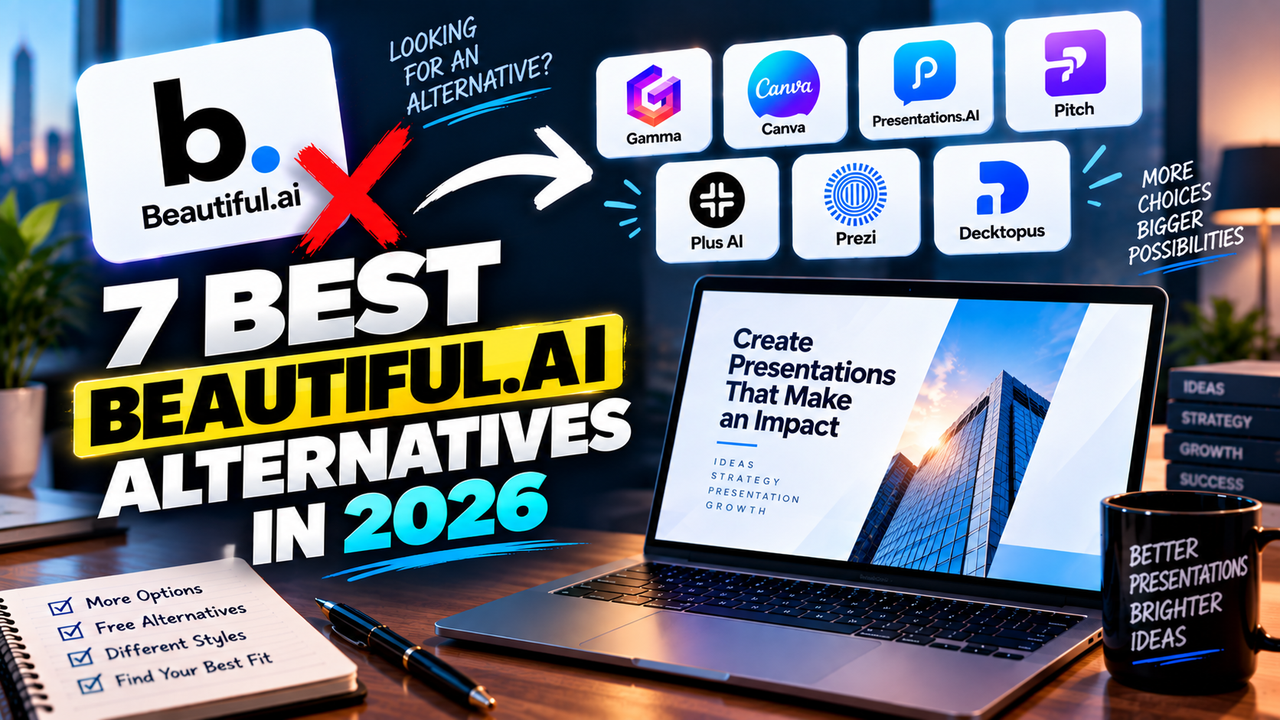
Beautiful.ai is a polished, design-automation presentation tool — its Smart Slides keep business decks consistent without much effort. But there's one thing people notice fast: no free plan, just a 14-day trial that needs a credit card. Add the guardrailed layouts and a firmly business-deck focus, and it's easy to see why people shop around. The best Beautiful.ai alternatives are Gamma (free and fast), Canva (free with huge design range), Presentations.AI (decks from a document), Pitch (team collaboration), Plus AI (AI inside PowerPoint or Google Slides), Prezi (a non-linear style), and Decktopus (cheaper and simpler).
Here's why you might switch, a quick comparison, and who each alternative suits.
Why look for a Beautiful.ai alternative?
- There's no free plan. The 14-day trial needs a card and charges automatically unless you cancel, so there's no way to keep using it free and no risk-free "just try it" tier like Gamma or Canva offer. Students and teachers are the exception — a year free with a .edu email.
- The Smart Slide guardrails cut both ways. They guarantee tidy, consistent slides, but they also limit unusual layouts. If you want full creative control, it can feel boxed in.
- It's built for business decks. Excellent for investor updates, sales decks and reports; less suited to casual, highly visual, or non-linear presentations.
- No native Google Slides. It imports and exports PowerPoint, but if you live in Google Slides you'll be routing through a .pptx.
- Monthly pricing is steep. Pro is $12/month only if you commit annually; month-to-month is around $45.
None of that makes Beautiful.ai a bad tool — the consistency is genuinely its strength. These are just the reasons people look elsewhere.
Beautiful.ai alternatives compared
| Tool | Does better than Beautiful.ai | Free option | From | PowerPoint | Google Slides |
|---|---|---|---|---|---|
| Gamma | A real free plan + faster generation | Yes (400 one-time credits) | ~$8–10/mo | Export | Native export |
| Canva | Free tier + design range | Yes (200 lifetime credits) | $15/mo | Export | Via import |
| Presentations.AI | Decks built from a document | Yes (no PPTX on free) | ~$20/mo (annual) | Export (paid) | Export |
| Pitch | Team collaboration + analytics | Yes (~5 members) | ~$20/user/mo | Export | No native |
| Plus AI | AI inside PowerPoint / Google Slides | No — 7-day trial | ~$10–15/mo | Native (add-in) | Native (add-in) |
| Prezi | Non-linear, zooming style | Yes (public + branded) | ~$5–7/mo | Export (lossy) | No native |
| Decktopus | Cheaper + presenter coaching | Yes (limited) | ~$10–15/mo | Export | No native |
Prices are entry-level and change often — verify on each site. Figures verified September 2026.
Gamma — the free, fast alternative
The most common reason people leave Beautiful.ai is the lack of a free plan, and Gamma is the obvious answer: it has a genuine free tier (400 one-time AI credits, with a small "Made with Gamma" badge) and it generates decks fast from a prompt, an outline or a document. Where Beautiful.ai keeps you inside its Smart Slide layouts, Gamma's card format is looser and quicker to restyle, and it exports natively to Google Slides — something Beautiful.ai doesn't do. Paid plans start around $8–10/user/month.
Best if: you want to try before paying and value speed over rigid consistency. See the Gamma listing and the direct Gamma vs Beautiful.ai comparison.
Canva — for a free tier and design freedom
If the guardrails are what bother you, Canva is the opposite: a huge, flexible design canvas with the largest asset library of any presentation tool and a genuinely usable free plan. Its Magic Design AI drafts a themed deck from a prompt, and you shape it with 100M+ photos, icons and graphics. The trade-off is that Canva's AI output needs more editing than Beautiful.ai's polished, on-rails result — you're swapping consistency for control. Canva Pro is $15/month or $120/year.
Best if: you want creative freedom, a free way in, and slides alongside other design work. See the Canva listing.
Presentations.AI — for decks from a document
Beautiful.ai starts from templates; Presentations.AI starts from your content. Feed it a prompt, a document, a PDF or a URL and it builds a designed deck with data visualizations. Note the free-tier catch, which is the mirror image of Beautiful.ai's: you can create for free but can't export to PowerPoint (free export is a watermarked PDF or link), while Pro (around $20/month billed annually) unlocks PowerPoint export and 5,000 credits.
Best if: you turn existing documents into business decks. See the Presentations.AI listing.
Pitch — for teams that build together
Beautiful.ai's collaboration is fine, but Pitch is built around it: real-time co-editing, comments, assigned slides, and analytics that show who opened a shared deck and which slides they viewed. Its free plan is generous for a small group — up to about 5 members and unlimited decks (with 100 one-time AI credits) — where Beautiful.ai gives you nothing free at all. Paid plans start around $20/user/month.
Best if: a team produces decks together and you want engagement tracking. See the Pitch listing.
Plus AI — if you'd rather stay in PowerPoint or Google Slides
Beautiful.ai is its own platform; Plus AI isn't. It's an add-in that generates and edits decks inside PowerPoint and Google Slides, so there's no separate app and no export step. It also edits decks you already have, not just new ones. There's no free plan (a 7-day trial), it starts around $10–15/user/month, and it's SOC 2 Type II certified for business use.
Best if: you want AI in the tools you already use. See the Plus AI listing and the best AI add-ins for PowerPoint and Google Slides.
Prezi — for a completely different style
If Beautiful.ai feels too corporate-and-conventional, Prezi is the swing in the other direction: a zooming canvas instead of a slide stack, plus Prezi Video for presenting on camera. Its free plan lets you create, but presentations are public and branded, with limited AI; the useful tier (Plus, $15/month) adds unlimited AI, privacy, PDF export and PowerPoint import. Exporting to PowerPoint flattens the zoom effects.
Best if: you want a visually distinctive, non-linear presentation. See the Prezi listing.
Decktopus — for a cheaper, simpler tool
Beautiful.ai leans premium; Decktopus is the budget, single-purpose option. It builds a branded deck from a prompt or a PDF and adds an AI Presenter Coach that predicts audience questions and quizzes you before you present. It has a (limited) free tier, paid plans from around $10–15/month, and 50% off for students.
Best if: you want an affordable maker with delivery coaching. See the Decktopus listing.
Which Beautiful.ai alternative should you pick?
- Free and fast → Gamma
- Free plus design freedom → Canva
- Decks from a document → Presentations.AI
- Team collaboration → Pitch
- AI inside PowerPoint or Google Slides → Plus AI
- A different, non-linear style → Prezi
- Cheapest and simplest → Decktopus
Still weighing it up? How to choose an AI presentation tool covers what matters, and if Beautiful.ai was for pitch decks specifically, see the best AI tools for building a pitch deck. On a budget? Best free AI presentation tools.
FAQ
What is the best Beautiful.ai alternative? Gamma for most people — it's fast, it has a real free plan (which Beautiful.ai lacks), and it exports natively to Google Slides.
Is there a free alternative to Beautiful.ai? Yes — Gamma, Canva and Pitch all have usable free plans, unlike Beautiful.ai, which is trial-only. See best free AI presentation tools.
Does Beautiful.ai have a free plan? No — only a 14-day trial that needs a credit card, plus a free year for students/teachers with a .edu email.
Which alternative is best for business decks? Beautiful.ai itself is strong here; if you want a free option with similar polish, Gamma is closest, and Pitch adds team collaboration and analytics.
Listings related to Beautiful.ai Alternatives: 7 Best Options in 2026

Gamma
An AI presentation maker that turns a prompt or a pasted document into a finished-looking deck in about a minute. A standalone web app — great free plan for on-screen decks, but clean PowerPoint export and branding are paid.
Canva
The presentation side of Canva's all-in-one design suite, with Magic Studio AI turning a prompt or document into an editable, template-based deck. Easiest on-ramp, generous free tier, editable PowerPoint in and out — but a generalist, not a specialist.

Presentations.AI
A generative-AI-first presentation maker — "ChatGPT for presentations." You describe a deck and it builds the whole thing, then you refine conversationally. Genuine free plan; fast, but a thin independent track record so far.
Pitch
A collaborative AI presentation tool that has grown into a "complete pitching platform" — shared teamspaces, AI deck generation, and trackable Pitch Rooms with engagement analytics. Built for sales and go-to-market teams, not solo one-off decks.

Plus AI
An AI add-in that generates and edits presentations natively inside Google Slides and PowerPoint — no separate app, no export step. Strong at improving existing decks, not just making new ones. Trial only, no free plan.
Prezi
Presentation software built on a zooming, non-linear canvas instead of a slide stack, now with Prezi AI generation and Prezi Video. Distinctive and memorable for live talks — but its PowerPoint export is static, not editable.
Decktopus
A guided, opinionated AI deck builder for non-designers that generates the slides plus delivery extras — speaker notes, audience Q&A, lead-capture forms, voiceover and hosting. Cheap entry point; no true free plan.